Ask a fleet manager in Texas or a logistics director in Germany what frustrates them most about in-cab technology, and you will hear a familiar story. Consumer tablets mounted on cheap arms that shake loose. Screens that become mirrors in direct sunlight. Devices that shut down when the cab gets hot or refuse to wake up on a cold morning. And the constant cycle of replacements when screens crack from vibration or charging ports fill with dust.
The problem is not the idea of putting a tablet in a vehicle. The problem is using hardware designed for an air-conditioned office or a living room couch. That is where rugged vehicle-mounted tablets come in. These purpose-built computers are engineered for the unique demands of life on the road, the warehouse floor, or the construction site.
A parcel delivery fleet in Ohio learned this lesson after going through three generations of consumer tablets in two years. The owner told me, “I spent more time replacing screens than managing routes.” After switching to a proper in-vehicle rugged computer, his tablet-related downtime dropped to nearly zero. The upfront cost was higher, but the total cost of ownership over three years was actually lower.
What Makes a Tablet Truly Vehicle-Rugged?
Not every tablet with a rubber bumper qualifies as rugged for vehicle use. True rugged vehicle-mounted tablets meet specific standards that matter in a moving vehicle.
MIL-STD-810H certification means the tablet has been tested against shock, vibration, humidity, and temperature extremes. For a semi-truck bouncing down a highway with expansion joints or a forklift driving over warehouse floor cracks, that vibration resistance is essential. Without it, internal components loosen, solder joints crack, and screens fail.
The IP rating tells you about dust and water resistance. IP65 means the tablet is dust-tight and protected against low-pressure water jets—enough for most vehicle cabs. IP67 adds the ability to survive immersion in water, which matters for vehicles that get power-washed regularly, like transit buses or agricultural equipment.
Then there is the operating temperature range. A true rugged vehicle tablet for extreme temperatures and vibration should work from -30°C to 70°C (-22°F to 158°F). That covers a delivery truck in a Minnesota winter and a bulldozer cab in an Arizona summer.
Sunlight Readability: Seeing the Screen When It Matters
One of the biggest complaints about consumer tablets in vehicles is the screen. On a bright day, the driver sees their own reflection instead of the dispatch screen or navigation map. Sunlight readable vehicle-mounted tablet for outdoor fleets solves this with two key technologies.
High-brightness displays, typically 1000 nits or more, are three to four times brighter than a standard iPad or Android tablet. That much light pushes through glare and reflections. But brightness alone is not enough. Optical bonding fills the air gap between the touchscreen glass and the LCD panel, reducing internal reflections and making the screen readable from wider angles.
A landscaping company in Florida equipped their fleet of pickup trucks and trailers with optically bonded, high-brightness tablets. Dispatchers could send job updates, and drivers could see them clearly even at noon in July. Before the upgrade, drivers were pulling over into shade just to read the screen. Afterward, they kept working through the brightest part of the day.
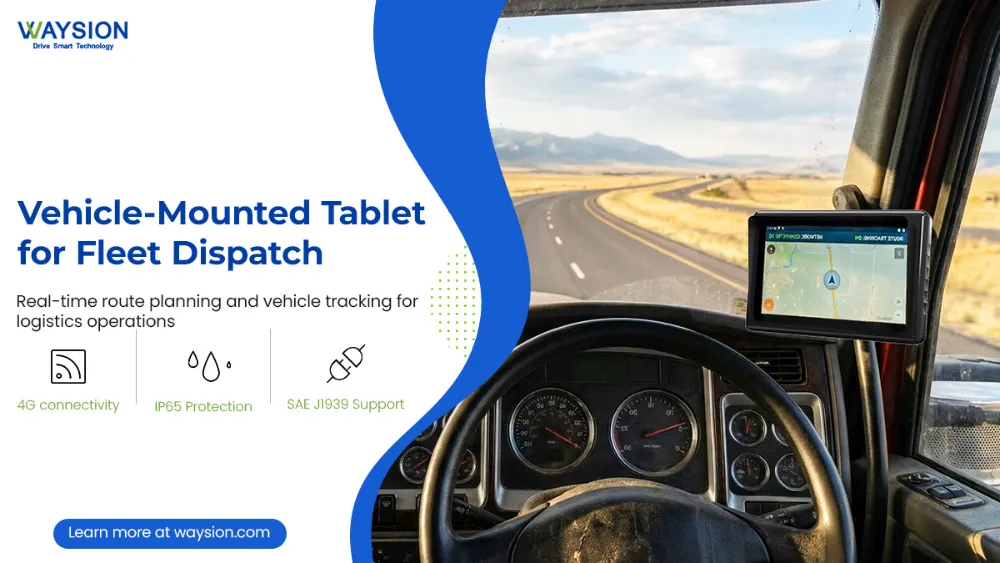
Glove-Friendly Touchscreens for Real-World Conditions
Drivers wear gloves. Warehouse workers wear gloves. Construction operators wear gloves. A touchscreen that requires bare fingers is a non-starter in most fleet environments. Rugged vehicle tablet with glove-friendly touchscreen uses projected capacitive technology that detects touch through thick work gloves, winter gloves, or even gloves covered in grease or dust.
A refuse collection fleet in Michigan tried standard tablets before switching to a glove-friendly rugged model. Drivers had been removing their gloves to log pickups, then putting them back on—thirty times per shift. The wasted time added up, and drivers complained constantly. After the switch, they tapped the screen with gloves on, and the complaints stopped.
CAN Bus, OBD-II, and Vehicle Integration
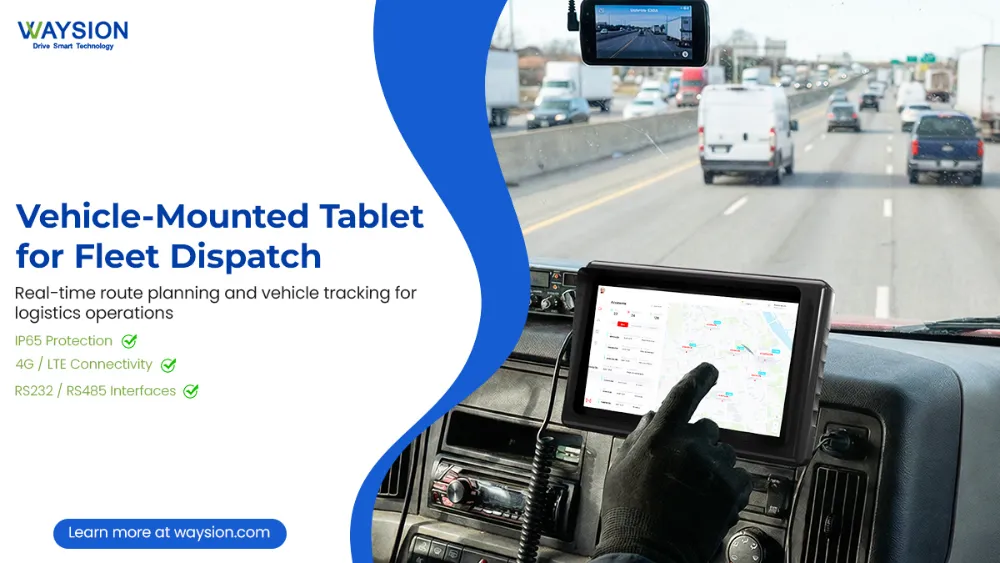
A rugged tablet in a vehicle is most powerful when it talks to the vehicle itself. Rugged vehicle tablet with CAN bus and OBD-II connectivity turns the tablet into a telematics hub that reads engine data, transmission status, fuel consumption, and diagnostic trouble codes.
For heavy trucks, the J1939 CAN bus protocol is standard. The tablet connects via a hardwired adapter or Bluetooth dongle and displays real-time data that matters to the driver and the fleet manager. A long-haul carrier in Ontario used this integration to monitor idle time across their fleet. Drivers saw their idle minutes displayed on the tablet and reduced unnecessary idling by 22% over three months.
For light-duty vehicles, OBD-II integration works the same way. A courier service in California tracked harsh braking and rapid acceleration events, then used the data for driver coaching. Collision rates dropped by 18% in the first year.
ELD and Telematics Integration
For commercial trucking in the United States, ELD compliance is not optional. Can rugged vehicle tablets integrate with ELD and telematics? Yes. Most rugged vehicle tablets run full Android operating systems, which means they can run certified ELD applications. The tablet connects to the engine ECM via a telematics gateway or direct OBD-II cable, automatically recording driving time, engine hours, and vehicle movement.
Beyond compliance, telematics integration gives fleet managers real-time visibility. A logistics company in Texas used rugged tablets to track vehicle location, speed, and fuel efficiency across their 120-truck fleet. Dispatchers could reroute trucks around traffic, and the system flagged any driver who exceeded company speed limits. Insurance premiums dropped because the carrier could document their safety monitoring.
Mounting Solutions: Keeping the Tablet Secure
A tablet bouncing around the cab is useless and dangerous. How to mount a rugged tablet in a semi-truck cab starts with choosing the right mount. RAM mounts are the industry standard for vehicles, offering ball-and-socket joints that hold position even on rough roads. VESA mounts work for larger tablets and allow quick removal when the driver leaves the vehicle.
The mount needs to keep the tablet within easy reach of the driver but outside the airbag deployment zone. For forklifts, the mount attaches to the overhead guard or dashboard. For transit buses, the mount bolts to the driver’s console. A public transit agency in Chicago learned that cheap suction-cup mounts failed within weeks. After switching to bolted RAM mounts, they had zero mount failures over two years.
Ignition sensing and ACC delay are features that matter for power management. The tablet detects when the vehicle starts and boots up automatically. When the vehicle shuts off, the tablet enters a low-power state or shuts down after a preset delay. That means drivers never have to remember to turn the tablet on or off.
Power Management: Continuous Operation Without Drain
A rugged tablet in a vehicle needs power whenever the vehicle is running. How to power a rugged tablet continuously in a vehicle involves connecting to the vehicle’s electrical system through an ignition-sensing power supply. This device provides clean, regulated power to the tablet and prevents battery drain when the engine is off.
Some rugged tablets include hot-swappable batteries for applications where the vehicle may be parked without power for extended periods. A utility truck fleet in Colorado used tablets with removable batteries. At the end of the shift, drivers swapped in a freshly charged battery, and the tablet never had to be taken inside for charging.
Cold Weather and High Heat Performance
Vehicle cabs experience extreme temperatures. Cold weather performance of rugged in-vehicle computers is rated down to -30°C (-22°F). At those temperatures, consumer LCD screens become sluggish or stop working entirely. Rugged tablets use wide-temperature components that keep functioning.
At the other extreme, a truck parked in the sun in Nevada or Saudi Arabia can reach 70°C inside the cab. Rugged tablets are rated for that heat and use passive cooling—no fans that would suck in dust. A mining equipment dealer in Western Australia tested consumer tablets and rugged tablets side by side in parked haul trucks. The consumer devices overheated and shut down within an hour. The rugged tablets ran the entire shift.
Connectivity: 4G/5G, GPS, and Wi-Fi
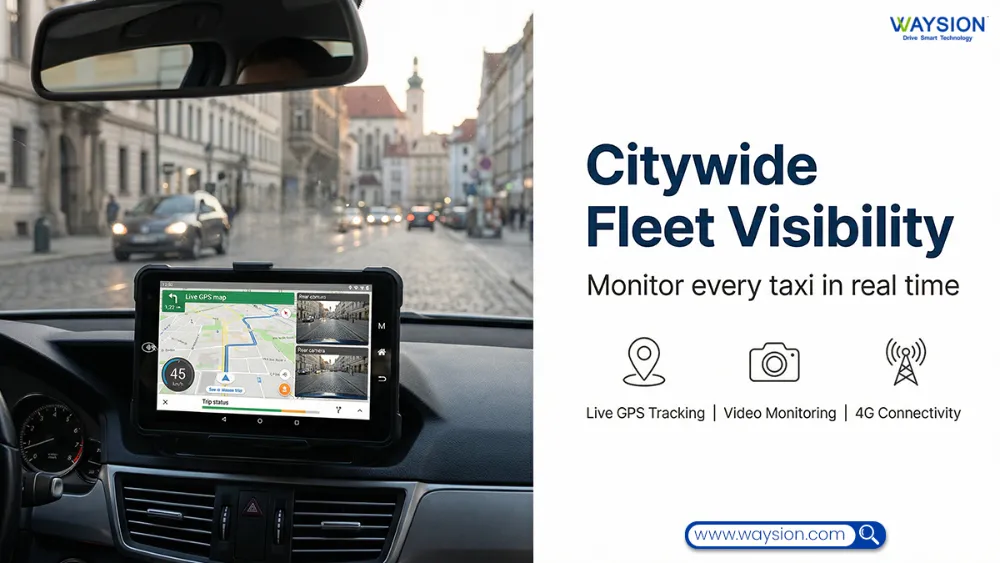
Fleet vehicles need to stay connected. Rugged tablet with 4G/5G for real-time fleet tracking includes cellular modems with multiple carrier bands, so the tablet works across North America or Europe without swapping hardware. GPS provides location data even when cellular coverage is spotty.
Some rugged tablets include dual SIM slots for coverage redundancy. A cross-border trucking fleet operating between the US and Canada used dual SIM tablets that switched carriers automatically at the border. Drivers never lost connectivity, and dispatchers always knew where their trucks were.
For warehouses and distribution yards, Wi-Fi connectivity is more important than cellular. A rugged tablet on a forklift connects to the warehouse Wi-Fi, receiving pick instructions and sending completion confirmations in real time. A distribution center in Pennsylvania reduced their forklift cycle times by 11% after moving from paper pick lists to real-time tablet-based directions.
Choosing the Right Rugged Vehicle Tablet for Your Application
Not every fleet needs the same tablet. How to choose a rugged tablet for public transit buses prioritizes sunlight readability, glove-friendly touch, and integration with CAD/AVL systems. A transit agency needs next-stop announcements and passenger information features.
Rugged vehicle-mounted tablet for police and emergency vehicles requires the same durability plus features like emergency vehicle preemption integration, MDT software compatibility, and often a removable design so officers can take the tablet out of the car.
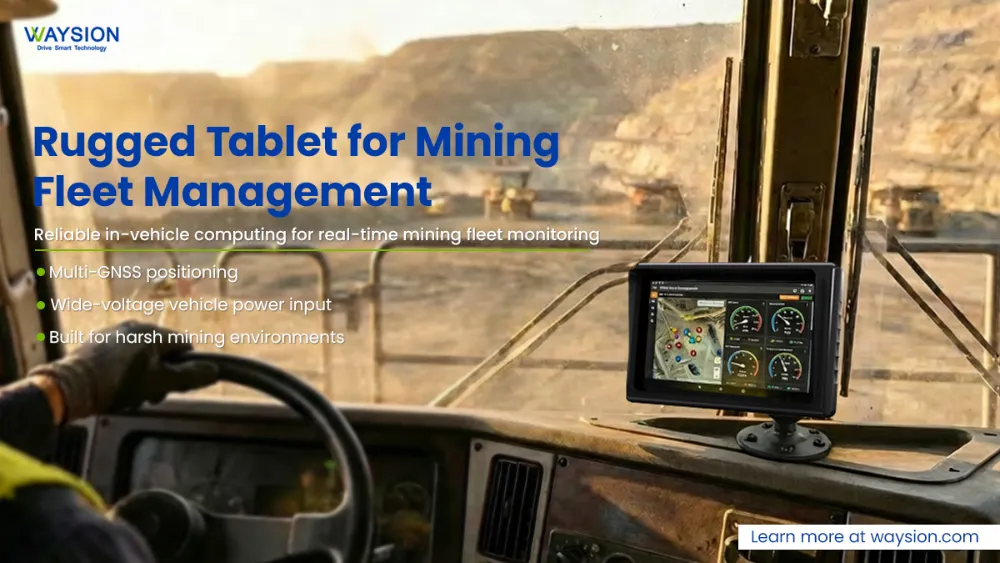
Rugged in-vehicle tablet for mining and construction equipment demands the highest levels of dust protection, shock resistance, and temperature tolerance. Screens need to be readable with gloves covered in grease or mud.
Vehicle-mounted rugged tablet for warehouse forklifts prioritizes Wi-Fi connectivity, barcode scanning integration, and mounts that keep the tablet secure but adjustable.
Best Rugged Vehicle-Mounted Tablet for Trucks and Forklifts
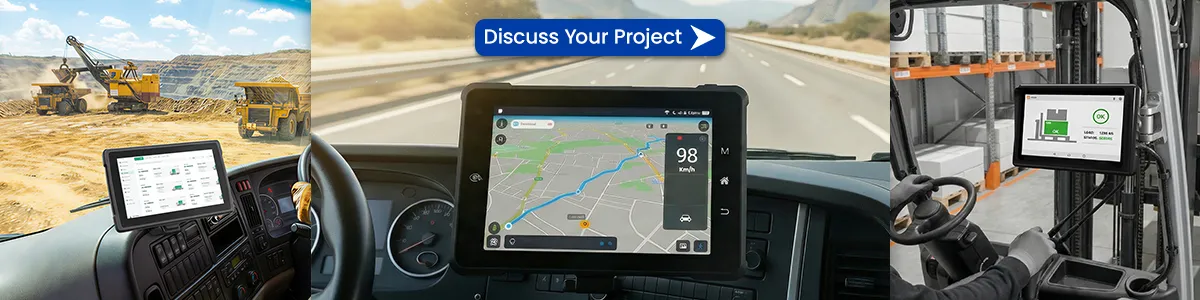
There is no single “best” for every application, but the right tablet for most fleets will include: MIL-STD-810H certification, IP65 or higher rating, 1000+ nit optically bonded display, glove-friendly touchscreen, wide operating temperature range (-30°C to 70°C), CAN bus or OBD-II connectivity, and 4G/5G with GPS.
A regional less-than-truckload carrier in the UK switched to rugged tablets that met all those specifications. Two years later, their tablet failure rate was under 3% annually, compared to 40% annually with consumer devices. The fleet manager calculated that the rugged tablets cost half as much to operate over three years, even with a higher purchase price.
FAQ:
What is the difference between a rugged vehicle tablet and a consumer tablet?
A rugged vehicle tablet is purpose-built for the conditions inside a moving vehicle. It meets MIL-STD-810H standards for shock and vibration, carries an IP65 or higher dust/water resistance rating, operates in temperatures from -30°C to 70°C, and has a sunlight-readable, optically bonded display. A consumer tablet with a case lacks these certifications and will fail much sooner in a vehicle environment. A parcel fleet in Ohio went through three generations of consumer tablets in two years before switching to rugged units that lasted the full replacement cycle.
Can rugged vehicle tablets integrate with ELD and telematics systems?
Yes. Most rugged vehicle tablets run full Android operating systems and can run certified ELD applications. They connect to the engine ECM via OBD-II or CAN bus adapters, automatically recording driving time and vehicle movement. Beyond compliance, they integrate with telematics platforms to report location, speed, fuel consumption, and diagnostic codes in real time. A Texas logistics company used this integration to lower insurance premiums by documenting their safety monitoring.
How do I mount a rugged tablet in a semi-truck cab?
The industry standard is RAM mounts with ball-and-socket joints that hold position even on rough roads. VESA mounts work for larger tablets and allow quick removal. The mount should keep the tablet within easy reach but outside the airbag deployment zone. For trucks, the mount typically attaches to the dashboard, floor, or windshield. For forklifts, it mounts to the overhead guard. Ignition-sensing power supplies should be used to manage power and prevent battery drain.
Are rugged vehicle tablets readable in direct sunlight?
Yes, when properly specified. A sunlight-readable rugged tablet has a high-brightness display (1000 nits or more) and optical bonding that eliminates the air gap between the glass and LCD. That combination pushes through glare and reduces internal reflections. A landscaping fleet in Florida switched to optically bonded tablets and drivers could see the screen clearly even at noon in July, eliminating the need to pull over into shade just to read dispatch instructions.
What is the cold weather performance of rugged in-vehicle computers?
Rugged in-vehicle computers are rated for operation down to -30°C (-22°F) using wide-temperature components. At those temperatures, consumer LCD screens become sluggish or stop working entirely. Rugged tablets also use glove-friendly touchscreens that work with thick winter gloves, so drivers in Minnesota or Canada can log duty status changes without removing their gloves.
How do I power a rugged tablet continuously in a vehicle?
Connect the tablet to an ignition-sensing power supply that provides clean, regulated power from the vehicle’s electrical system. This device detects when the vehicle starts and boots the tablet automatically, and shuts it down after a preset delay when the vehicle turns off to prevent battery drain. Some rugged tablets also offer hot-swappable batteries for applications where the vehicle may be parked without power for extended periods.
About the author: Michael Chen — 15 years in fleet technology and telematics, former product manager for rugged mobile computing, consultant to 200+ fleets across North America and Europe.
Latest Content
- Hard Rock, Harder Conditions: How Waysion Rugged Tablets Solve Real Mining Problems
- Mobile Data Terminal (MDT): The Complete Guide for Fleet, Dispatch, and Vehicle Operations in 2026
- How Waysion Tablets Transform Manufacturing & Warehouse Operations | Rugged Efficiency Guide
- 2026 Best Rugged Tablets with GPS for Field Work: Waysion Comprehensive Guide
- Industrial Debian Tablet PC: The 2026 Guide to Open-Source Field Computing
Tags: fleet rugged tablet mount, in-vehicle rugged computer, Rugged tablet with 4G/5G for real-time fleet tracking, Rugged Vehicle-Mounted Tablet