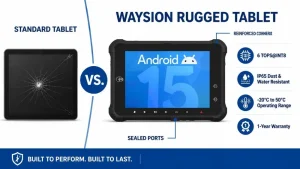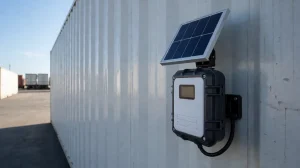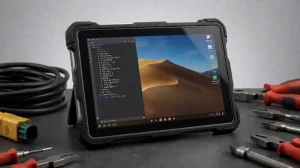
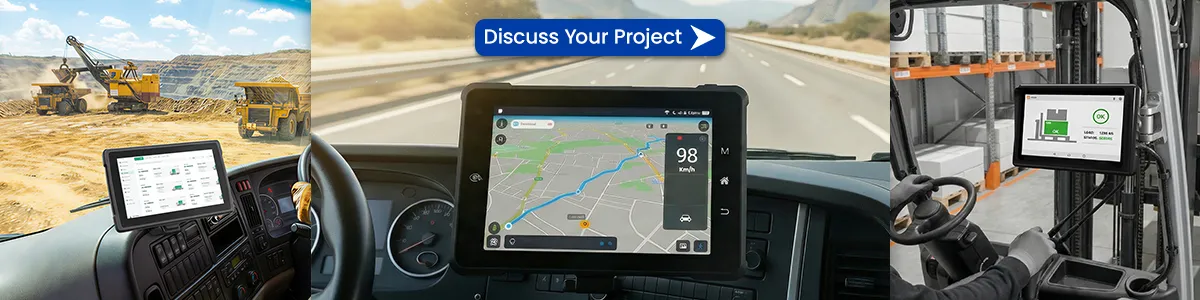
If you manage forklifts, delivery trucks, or heavy machinery, you’ve probably learned this the hard way: an iPad with a “tough case” isn’t tough enough.
Drop it once? Maybe survives. Leave it in a hot cab for two hours? Screen dims or dies. Connect it to vehicle power? Voltage spikes fry the charging port within months.
You’re not looking for a tablet. You’re looking for a tool that works 8 hours a day, in dust, rain, vibration, and extreme temperatures.
This guide cuts through marketing fluff and explains exactly what works, what breaks, and what to check before buying a rugged vehicle-mounted tablet.
1. Why consumer tablets fail in vehicles (quick truth)
| Problem | What happens | Cost to you |
|---|---|---|
| ⚡ Vibration | Internal connectors loosen, touchscreen drifts | Downtime, repair $ |
| 🔥 Heat (in cab) | Battery swelling, screen blackout | Safety hazard |
| ❄️ Cold (freezer trucks) | LCD freezes, touch unresponsive | Missed scans |
| 🔁 Constant charging | Battery cycles exhausted in 6 months | Device replacement |
| 🧤 Gloves | Capacitive screen ignores input | Operator frustration |
A true vehicle-mounted tablet is designed to be always on, always mounted, always working.
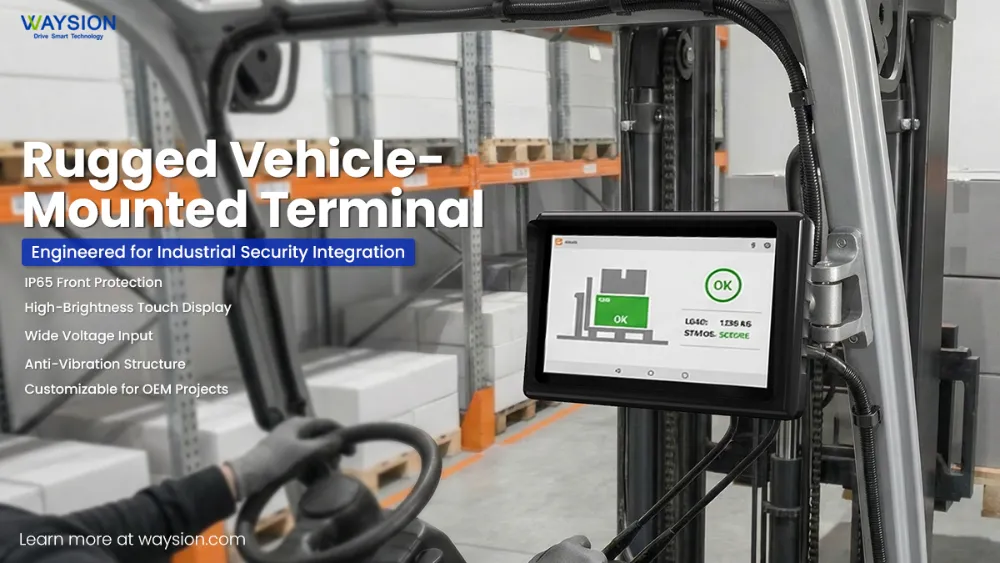
2. The 5 non-negotiable features (what spec sheets don’t tell you)
Most pages list IP67, MIL-STD-810, high brightness. Here’s what they leave out – and what you actually need.
2.1 Optical bonding (not just high brightness)
Spec says: 1000 nits → What matters: Without optical bonding, sunlight creates an air gap reflection – unreadable screen. Look for “optically bonded” or “direct bond”.
2.2 True glove mode
Spec says: Glove support → What matters: Many fail with thick warehouse or winter gloves. Look for “5mm glove mode” or “winter glove support” – and ask for a video test.
2.3 Wide voltage power input (9–36V or higher)
What matters: Forklifts and trucks have unstable power (spikes). Built-in ignition delay and surge protection = no external converter needed.
2.4 Replaceable / hot-swappable battery
Sealed battery fails → entire device goes to repair. In vehicles, batteries degrade faster. Can your team swap it in under 1 minute?
2.5 Mechanical mounting standard (beyond "RAM compatible")
Weak mount kills the tablet. Ask for vibration test reports with specific mounting plate and weight.
3. Real-world scenarios: which tablet for which job?
❄️ Frozen food logistics (–20°C / –4°F)
Standard LCDs slow down → unresponsive. Look for transflective LCD or heater-enabled display. Avoid AMOLED.
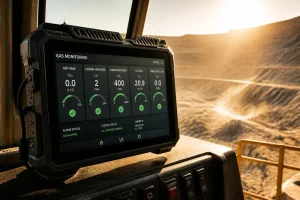
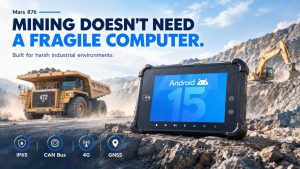
⛏️ Port / mining (extreme dust & vibration)
Dust enters SIM slots, USB ports. Solution: No open ports – pogo-pin docking (sealed when mounted). IP69K for high-pressure wash.
🚓 Police / emergency vehicles (bright sun + high frequency use)
Frequent undocking wears out USB-C. Docking connector rated >10,000 cycles – ask for cycle rating.
4. Hidden total cost of ownership (TCO) – 3-year real cost
Most buyers compare upfront price. That’s a mistake.
| Cost factor | Consumer tablet + case (iPad style) | True rugged vehicle tablet |
|---|---|---|
| Device (initial) | ~$600 | ~$1,200 |
| Mount & dock | $150 | $250 (integrated design) |
| Downtime (repairs) | 3–5 events @ 4h each ≈ $1,000 lost | 0–1 events ≈ $200 |
| Replacement (year 2) | $600 | $0 (still running) |
| Labor / swaps | ~$400 | ~$100 |
| 3-year TCO | ~$2,750 | ~$1,750 |
Verdict: Rugged saves money after 18 months and avoids operational interruptions.
5. Questions most spec sheets never answer (but you must ask)
- “Can I see a video of the touchscreen working under running water and with 3mm gloves?”
- “What is the MTBF (mean time between failures) for the docking connector?”
- “Does your warranty cover screen delamination in high heat?” (many exclude it)
- “Can I download the SDK without signing an NDA?”
- “Do you have a case study of this model on a forklift in a cold storage warehouse?”
If they hesitate or give marketing answers – walk away.
6. Recommended shortlist (by application)
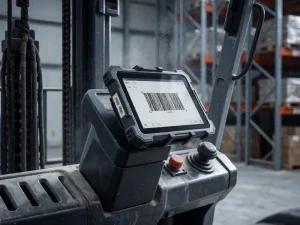
Forklift / warehouse
8″–10″ with pogo-pin dock. Key spec: glove mode + 1000 nits.
Long-haul truck
10″ with CAN bus support, ignition detection, sleep mode.
Cold storage / freezer
7″ with heater display, -30°C operating range.
Police / ambulance
12″ dual hot-swap battery, 1200+ nits, fanless.
Mining / construction
8″ ultra-rugged, no external ports + IP69K high-pressure wash.
7. Where to find reliable documentation (without talking to sales)
Most manufacturers hide technical details behind “request a quote” forms – that’s a red flag. Look for brands that provide open access to: CAD drawings, SDK/API docs, user manuals (pre-purchase), and MIL-STD vibration PDFs. If you can’t find these in 2 minutes on their website → move on.
Final takeaway: A rugged vehicle-mounted tablet is not a “nicer iPad.” It is a vehicle-grade tool – like a diagnostic scanner or a hydraulic lift. Don’t buy on specs alone. Buy on real-world validation: videos, open documentation, case studies, and a warranty that doesn’t hide exclusions.
Frequently asked questions (real answers)
No email required — instant editable checklist for procurement