- Android Rugged Tablets vs Windows Rugged Tablets: Which Is Better?
- Performance and Hardware Differences
- Software Compatibility and Ecosystem
- Cost and Total Cost of Ownership (TCO)
- Security and Device Management
- Durability and Real-World Use Cases
- Pros and Cons Summary
- Conclusion: Android Becoming the Preferred Choice for Modern Industrial Applications
- Frequently Asked Questions (FAQs)
Android Rugged Tablets vs Windows Rugged Tablets: Which Is Better?
Android rugged tablets and Windows rugged tablets serve demanding industrial environments, but they differ significantly in design philosophy, cost structure, and operational strengths. As of 2026, Android continues gaining share in mobile-first workflows due to lower total cost of ownership (TCO), while Windows remains strong for complex enterprise software integration.
Overview of the Comparison
The choice between Android rugged tablets and Windows rugged tablets impacts deployment speed, long-term costs, user adoption, and integration with existing systems. Android offers lightweight, cost-effective mobility with excellent MDM support. Windows provides desktop-level performance and legacy application compatibility. Market data shows Android holding approximately 40-52% of the broader tablet segment in 2026, with rugged Android models growing fastest in logistics and field service, while Windows retains leadership in defense and heavy enterprise (around 47% in rugged segments in 2025, with steady demand).

Performance and Hardware Differences
Processing Power and Overall Performance
Windows rugged tablets typically use Intel Core i5/i7 or Ultra processors, delivering superior multi-tasking for CAD, ERP systems, or data-heavy applications. They handle full desktop software smoothly. Android rugged tablets rely on Qualcomm Snapdragon or MediaTek octa-core processors, which excel in efficiency for mobile apps, scanning, and real-time data entry but may struggle with resource-intensive legacy Windows programs without emulation.
Weight, Size, and Portability
Android models are generally lighter and thinner. A typical 10-inch Android rugged tablet weighs 1.2–1.8 lbs, making it easier for all-day handheld use by field technicians or warehouse workers. Windows equivalents often range from 2.0–3.5 lbs due to stronger cooling and larger batteries needed for power-hungry CPUs, which can cause fatigue during extended shifts.
Battery Life and Power Efficiency
Android’s lightweight kernel provides clear advantages in battery efficiency. Many Android rugged tablets deliver 10–14+ hours of mixed use with hot-swappable batteries, ideal for long shifts without recharging. Windows rugged tablets, being more processor-intensive, commonly achieve 8–11 hours under similar conditions, though high-end models with dual hot-swap batteries (e.g., Getac F110 series) can match or exceed this in optimized setups. In 2026 deployments, Android frequently reduces charging downtime in mobile fleets.
Software Compatibility and Ecosystem
Integration with Existing Systems
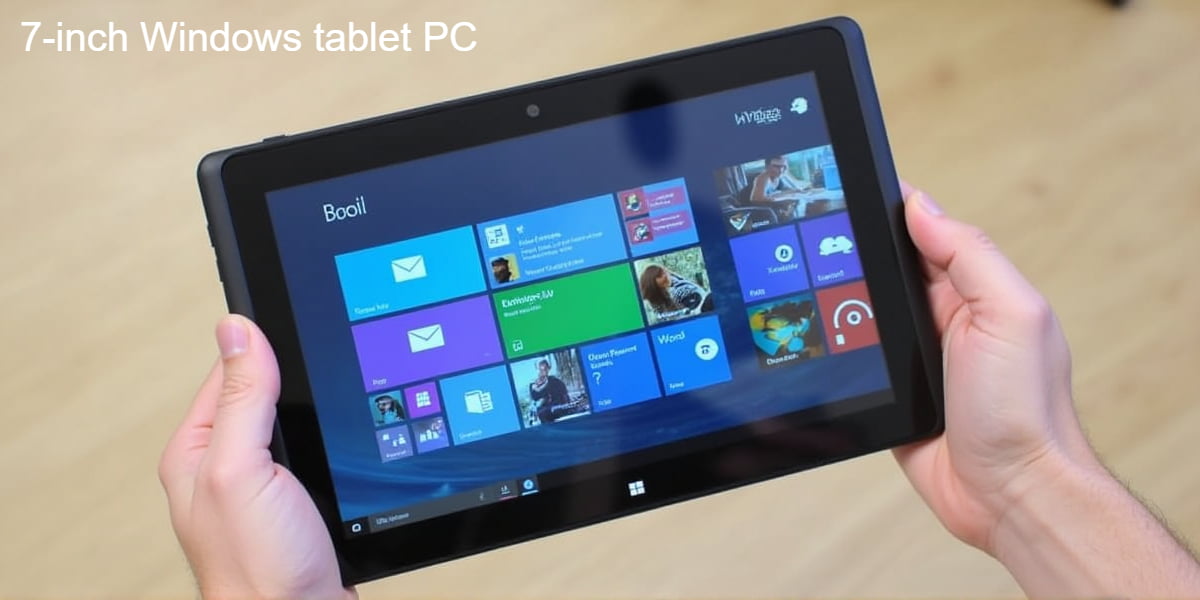
Windows rugged tablets integrate seamlessly with Microsoft ecosystems, including Active Directory, Office 365, SAP, Oracle, and legacy desktop applications. This makes them preferred in healthcare, government, and manufacturing where full Windows software is required. Android rugged tablets shine with cloud-native and mobile-first apps via Google Play or enterprise stores. They support thousands of industry-specific apps for ELD compliance, barcode scanning, and workflow automation but may need additional layers (e.g., remote desktop) for full Windows software access.
Customization and Flexibility
Android’s open-source nature allows deep customization, easier kiosk mode deployment, and faster app development. Manufacturers and IT teams can tailor interfaces for specific workflows with lower effort. Windows offers robust enterprise management tools but is more locked down, requiring higher expertise for heavy customization.
Legacy System Support
Windows holds the edge for organizations running older desktop applications that lack mobile equivalents. Android requires modern, app-based alternatives or virtualization, which many forward-looking enterprises have already adopted by 2026.
Cost and Total Cost of Ownership (TCO)
Upfront Pricing
Rugged Android tablets generally cost 30–50% less upfront than comparable Windows models. Entry-level rugged Android units start around $700–$1,200, while fully rugged Windows tablets often range from $1,500–$3,500+ depending on configuration.
Long-Term Savings and Licensing
Android eliminates Windows licensing fees and benefits from lower hardware specs for similar tasks, reducing TCO significantly over 3–5 years. Factors include cheaper device replacement, reduced IT support tickets due to simpler interfaces, and longer effective battery life lowering downtime. Windows deployments incur ongoing licensing and higher power/thermal management costs but may justify expenses in environments needing full desktop productivity.
Security and Device Management
Enterprise-Grade Protection
Both platforms offer strong security in 2026. Windows provides mature features like BitLocker, Windows Hello, and deep integration with Microsoft Intune. Android supports enterprise mobility management (EMM) platforms such as VMware Workspace ONE, Microsoft Intune, and Google’s own tools, with advantages in faster security patching and kiosk lockdowns for shared devices. Rugged Android models increasingly include hardware-level security like fingerprint readers and secure boot.
Update Management and Data Integrity
Android benefits from quicker OS and security updates in many rugged lines (3–5 years of support common). Windows offers long-term servicing channels (e.g., LTSC) suitable for industrial stability but can involve slower rollout cycles. Both meet MIL-STD-810H and IP65/IP67/IP68 standards when properly ruggedized.
Durability and Real-World Use Cases
Ruggedness in Harsh Environments
Both Android and Windows rugged tablets achieve similar durability ratings (MIL-STD-810H for drops, vibration, temperature extremes; IP65–IP68 for dust and water). Differences appear in practical design: Android models often prioritize lighter weight and glove-friendly touch with sunlight-readable displays for outdoor work. Windows units may include more modular expansion ports for specialized peripherals.
Best Applications for Android Rugged Tablets
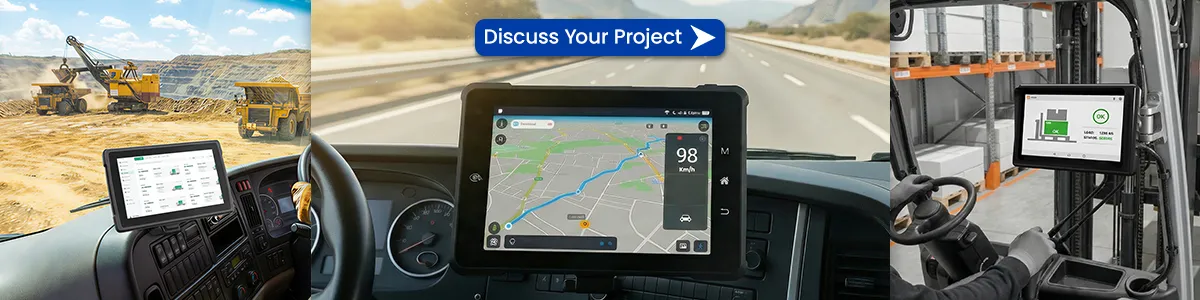
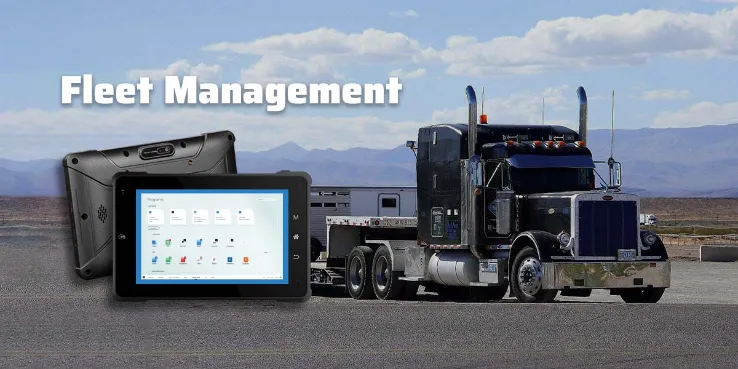
- Fleet management and ELD compliance
- Warehouse logistics and inventory scanning
- Construction site data entry and inspections
- Field service with mobile apps
- Retail and transportation where mobility and battery life matter most
Best Applications for Windows Rugged Tablets
- Engineering and CAD-heavy field work
- Healthcare with full desktop EMR systems
- Government and defense requiring legacy software
- Complex manufacturing workflows needing desktop applications
Pros and Cons Summary
Android Rugged Tablets Advantages:
- Lower upfront and TCO costs
- Superior battery life and lighter weight
- Faster deployment and higher user adoption
- Excellent MDM support and customization
- Strong growth trajectory in mobile industrial use (projected highest CAGR in rugged segment)
Windows Rugged Tablets Advantages:
- Superior processing power and multi-tasking
- Seamless legacy and desktop software compatibility
- Mature enterprise security and management tools
- Preferred for high-complexity workflows
Decision Guide Based on Use Case Choose Android if your team needs mobility, cost efficiency, long shifts, and app-centric workflows. Choose Windows if desktop application compatibility or heavy computational tasks are non-negotiable. Many organizations adopt a hybrid approach in 2026, using Android for frontline workers and Windows for specialized roles.
Conclusion: Android Becoming the Preferred Choice for Modern Industrial Applications
In 2026, Android rugged tablets are rapidly becoming the standard for most mobile industrial deployments due to better battery life, lower TCO, and alignment with cloud and app-based workflows. Windows rugged tablets continue to serve critical niches where full desktop capabilities remain essential. Evaluate your specific software requirements, workforce mobility needs, and budget before deciding. Regular checks on manufacturer roadmaps (Getac, Panasonic Toughbook, Zebra,waysion, etc.) ensure future-proofing.
Frequently Asked Questions (FAQs)
Is Android or Windows better for rugged tablets?
It depends on use case. Android excels in mobility, cost, and battery for field and logistics work. Windows is better for legacy desktop software and high-performance needs.
Which has better battery life in rugged environments?
Android rugged tablets generally deliver longer runtime (10–14+ hours) due to efficient architecture, while Windows models require more power for desktop-level tasks.
How do costs compare in 2026?
Android models offer 30–50% lower upfront pricing and significantly reduced TCO over 3–5 years through lower licensing, support, and replacement costs.
Can Android rugged tablets run Windows software?
Not natively. Remote desktop, virtualization, or web-based alternatives are required. Most modern workflows have shifted to mobile/cloud equivalents.
What should fleets and enterprises consider before choosing?
Assess current software stack, required peripherals, shift length, environmental conditions, MDM strategy, and long-term support (3–5 years typical). Test devices in real conditions and verify MIL-STD/IP ratings.
Tags: Android Rugged Tablets, Android tablets, Windows Rugged Tablets