Choosing the Right Android Version for Rugged Vehicle Tablets: Android 11 to 15 Compared
For fleet operators, logistics providers, mining contractors, agricultural fleets, and field-service teams, the best Android version is not simply the newest one. It is the version that matches the vehicle tablet’s hardware lifecycle, security-patch commitment, MDM strategy, app compatibility, and the realities of dust, vibration, wide-voltage power, and cellular connectivity.
The practical answer: choose Android 14 or 15 for new vehicle tablets
Android 14 and Android 15 are the strongest choices for new rugged vehicle-tablet deployments because they provide a more current security baseline, stronger enterprise controls, and better alignment with modern Android application requirements. Android 14 raises the default lock-screen PIN length to six digits, enables administrators to restrict 2G connectivity, and adds credential-manager controls for work profiles and fully managed devices.
Android 15 extends this direction with theft protection, phishing controls, Private Space, improved notification and screen-sharing protections, and stronger defenses against malicious background activity launches. For a vehicle-mounted tablet that may handle driver credentials, dispatch data, telematics, camera streams, or customer records, those platform-level safeguards have direct operational value.Android 15 features and APIs
Android 12 and 13 remain sensible for fleets with mature, validated applications, especially where the device vendor can demonstrate a credible patch roadmap. Android 11 should generally be treated as a compatibility platform rather than the default choice for a new multi-year fleet program.

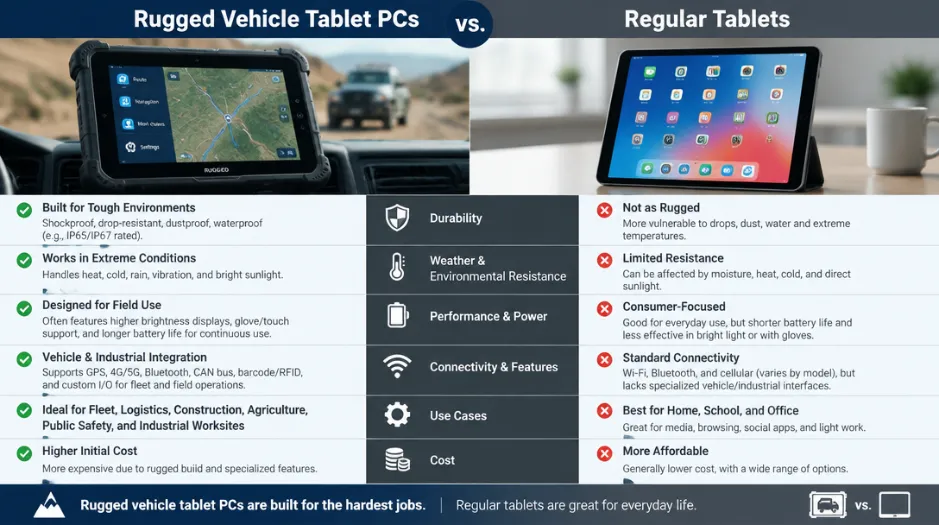
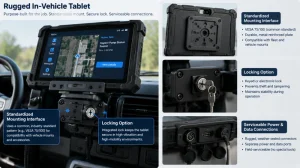
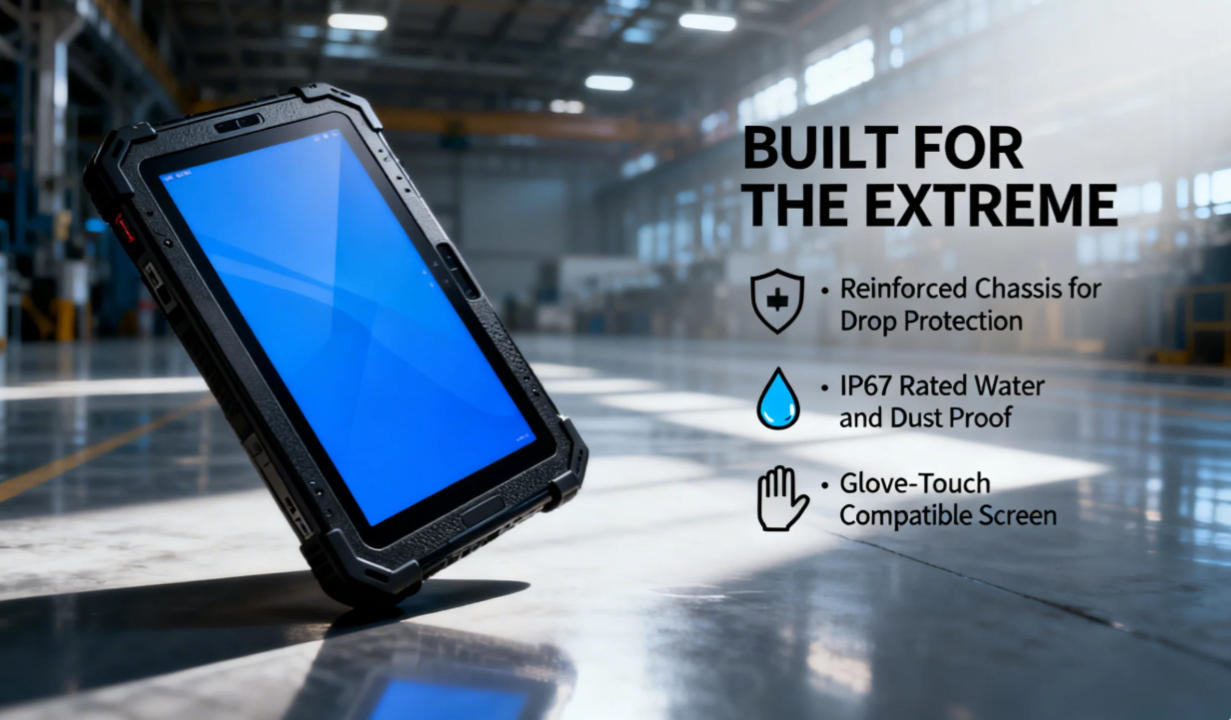
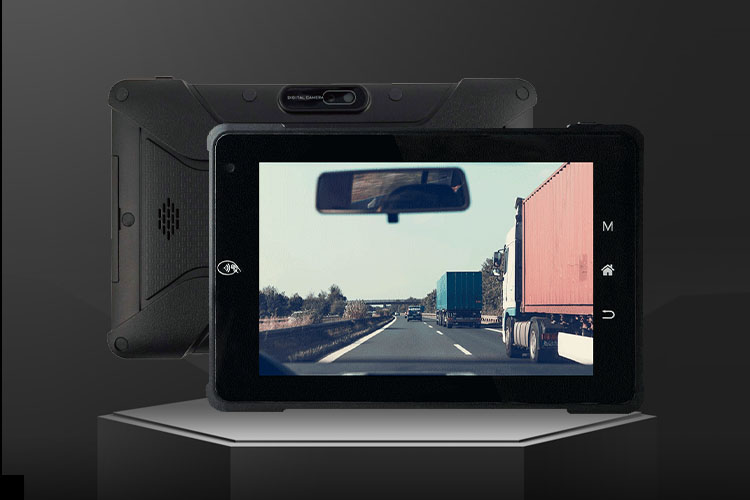
A properly specified rugged vehicle tablet should combine an appropriate Android version with the sealing, mounting, connectivity, and vehicle interfaces required for continuous field operation.
What “useful” means in a rugged vehicle tablet
Usefulness is whether the tablet solves a real operational problem: keeping drivers connected, capturing proof of delivery, displaying navigation, reading CAN Bus data, supporting ELD workflows, or running video-based safety applications. Utility is whether it does so reliably in the actual deployment environment—inside a truck cab, forklift, bus, agricultural machine, mining vehicle, or service van.
Google’s Android Enterprise Recommended program defines rugged-device minimums that make this distinction practical: IP54 ingress protection, drop-test integrity under MIL-STD-810G or IEC 60068-2-31, 64-bit architecture for Android 13 onward, and at least 3 GB RAM and 16 GB storage for current rugged-device requirements. Those are useful procurement baselines, but vehicle deployments often justify higher protection and more industrial interfaces.
Android 11 to 15: what changes for fleet deployments
The table below is designed for procurement, IT, fleet operations, and application owners. It focuses on the practical consequences of each Android release—not merely feature lists.
| Android version | Best-fit deployment | Key fleet-relevant capabilities | Selection guidance |
|---|---|---|---|
| Android 11 | Legacy fleets, tightly controlled app estates, replacement units for an existing installed base | One-time permissions, conversation-focused notifications, improved device controls, and a privacy foundation that shaped later Android releases. | Use selectively Suitable only when application certification, peripherals, and support contracts depend on it. Avoid it for new long-life programs unless there is a clear upgrade path. |
| Android 12 | Cost-conscious fleets, stable telematics and MDT applications, 10-inch vehicle tablets | Privacy Dashboard, approximate location, and platform privacy controls that remain relevant for fleet applications handling location and driver data. | Solid baseline A defensible choice when the application stack is already validated, but confirm the vendor’s security-patch and BSP roadmap before committing. |
| Android 13 | Field service, logistics, inspection, and mixed personal/work device programs | Runtime notification permission, photo picker, safer broadcast receivers, clipboard privacy controls, and the ability to revoke unused runtime permissions. | Good transition OS Particularly useful where apps need modern permission behavior without immediately requiring the newest platform. |
| Android 14 | New fleet rollouts, ELD, driver safety, telematics, and managed rugged devices | Six-digit default PIN, 2G disabling controls, credential-manager policy controls, UWB policy logs, and multi-agent device-policy resolution. [source.android] | Recommended An excellent default for vehicle tablets where MDM control, regulatory readiness, and a multi-year support horizon matter. |
| Android 15 | AI-enabled vehicle terminals, video analytics, high-security fleets, future-proof deployments | Private Space, theft protection, phishing controls, screen-share protections, OTP-redaction measures, secured background activity launches, and Credential Manager integration. | Future-ready The preferred choice for new hardware where the vendor provides Android 15 BSP support, GMS certification where required, and a credible update commitment. |
Why Android 14 and 15 matter for managed vehicle fleets
Vehicle tablets are not ordinary mobile devices. They often remain powered through ignition cycles, connect to vehicle networks, operate in areas with limited supervision, and run applications that collect location, driver, cargo, camera, or diagnostic information. That makes OS-level security controls more than an IT preference.
Android 14 gives administrators stronger tools to manage connectivity and credentials, including controls that can prevent managed devices from downgrading to 2G connectivity—a meaningful protection against certain interception and man-in-the-middle risks. It also improves PIN security and introduces credential-manager controls for work profiles and fully managed devices. Android 14 enterprise features
Android 15 builds on that foundation with enterprise features including theft protection, phishing controls, Private Space for personal profiles, and NIAP compliance maintenance. [developer.android](https://developer.android.com/work/versions/android-15) For fleets that allow limited personal use on shared or driver-assigned devices, Private Space can help separate sensitive personal apps from operational software. [developer.android](https://developer.android.com/about/versions/15/features)
Match the OS to the vehicle use case
| Deployment scenario | Recommended Android target | Why it fits |
|---|---|---|
| New fleet-wide rollout with MDM | Android 14 or 15 | Stronger enterprise policy controls, modern app compatibility, and a longer practical security runway. |
| ELD, HOS, and compliance workflows | Android 14 | Provides current security controls while supporting docking, LTE, GNSS, CAN Bus, and vehicle-oriented applications. |
| AI camera, driver monitoring, or edge analytics | Android 15 | Best aligned with newer hardware platforms and security features; verify NPU, camera pipeline, and BSP maturity with the manufacturer. |
| Existing Android 11/12 application estate | Android 12 or 13 | Reduces certification risk while allowing a staged migration toward Android 14 or 15. |
| Short-term replacement or tightly frozen software | Android 11 | Use only when the existing application, peripheral, and support ecosystem requires it; define an exit plan before deployment. |
For teams planning a complete deployment, review our guide to a rugged tablet for fleet management to align OS selection with MDM, telematics, CAN Bus integration, and vehicle-power requirements.
Rugged vehicle tablets that pair OS choice with industrial design
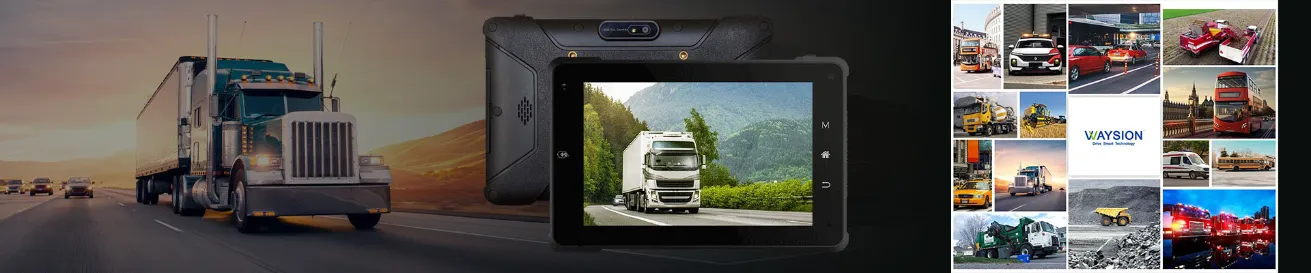
Android version selection should never be considered separately from the tablet platform. A modern OS cannot compensate for inadequate sealing, unstable vehicle power, poor mounting, missing CAN interfaces, or an unsupported BSP. Waysion’s rugged vehicle-tablet range spans 7-inch, 8-inch, and 10-inch Android and Linux-compatible platforms designed for fleet, logistics, field-service, mining, and industrial vehicle use. [waysion](https://www.waysion.com/product-type/rugged-tablet/10-inch-rugged-tablet-android-linux.html)
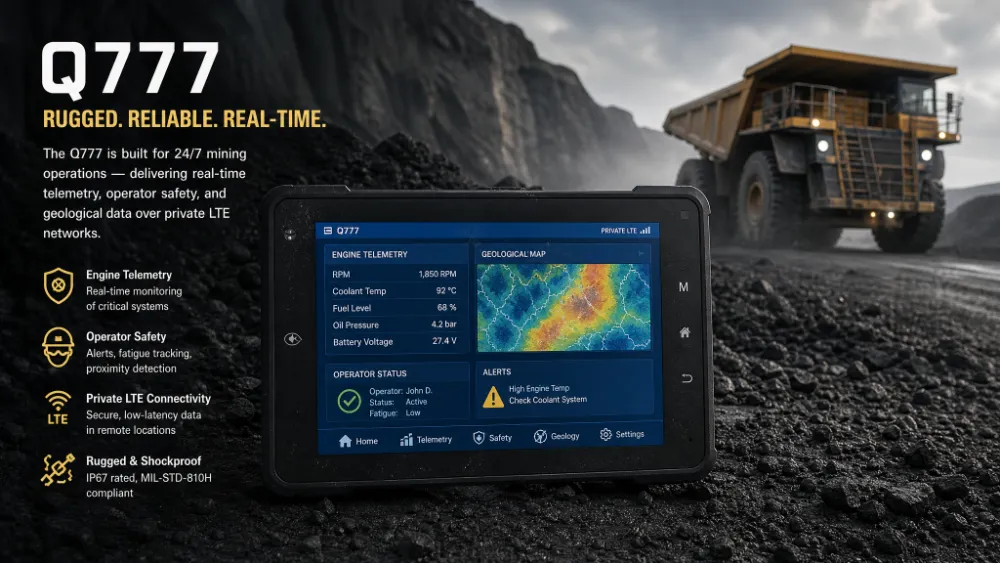
Q777 — 7-inch Android 14 vehicle tablet
A docking-friendly, IP65-rated Android 14 tablet with 4G LTE, GNSS, CAN Bus/OBD-II integration, and industrial interfaces for fleet management, ELD, logistics, and field service.
View Q777 specifications →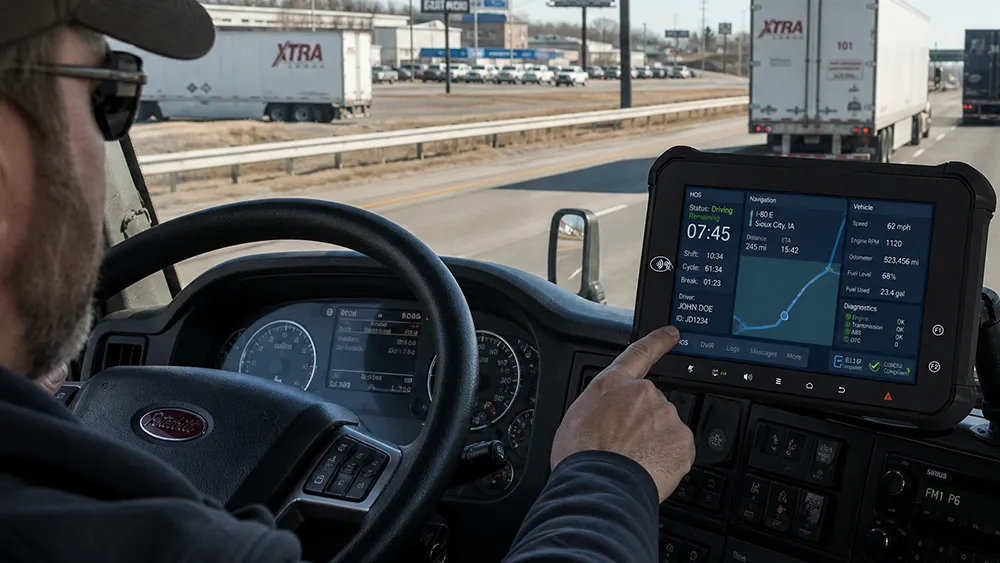
Mars 876 — 8-inch Android 15 AI terminal
An 8-inch IP65 Android 15 vehicle tablet built around the RK3576 octa-core platform, with 6 TOPS AI acceleration, 4G LTE, Wi-Fi, Bluetooth, GNSS, and industrial connectivity.
Explore 8-inch Android tablets →
WT10RX — 10.1-inch Android 12 tablet
A 10.1-inch IP67 rugged Android 12 tablet with a 1200 × 1920 display, LTE connectivity, Bluetooth 5.0, and camera capability for fleet and industrial applications.
View WT10RX details →Seven questions to ask before selecting an Android vehicle tablet
Android OS selection FAQ
Is Android 15 always the best choice for a rugged vehicle tablet?
Not automatically. Android 15 is the strongest default for new, security-sensitive, or AI-oriented deployments, but it must be supported by the tablet’s BSP, drivers, application vendor, MDM, and update process. Google positions Android 15 around privacy, security, productivity, and improved tablet experiences.
When should a fleet still choose Android 12 or 13?
Choose Android 12 or 13 when the application estate is already certified, the hardware roadmap is clear, and the deployment does not require the newest enterprise controls. Android 13 introduced notification permissions, photo picker privacy, safer broadcast receivers, and permission revocation features.
Does IP65 or IP67 replace the need for Android security updates?
No. Ingress protection addresses dust and water exposure; it does not address application vulnerabilities, OS patches, credential theft, malicious apps, or network threats. Google’s rugged-device requirements combine ingress protection with device-management and security expectations.
What hardware minimums should buyers use?
For current Android Enterprise Recommended rugged devices, Google specifies at least 3 GB RAM, 16 GB storage, 1.4 GHz speed, 64-bit architecture, and IP54 certification; 4 GB RAM and 32 GB storage are recommended.
Build a vehicle-tablet fleet that stays deployable
Choose Android 14 or 15 for new programs, validate the complete hardware-software stack before rollout, and make security patches, MDM compatibility, and long-term BSP support part of the purchase decision—not an afterthought.
Explore Android 14 vehicle tablets Explore Android 15 vehicle tablets