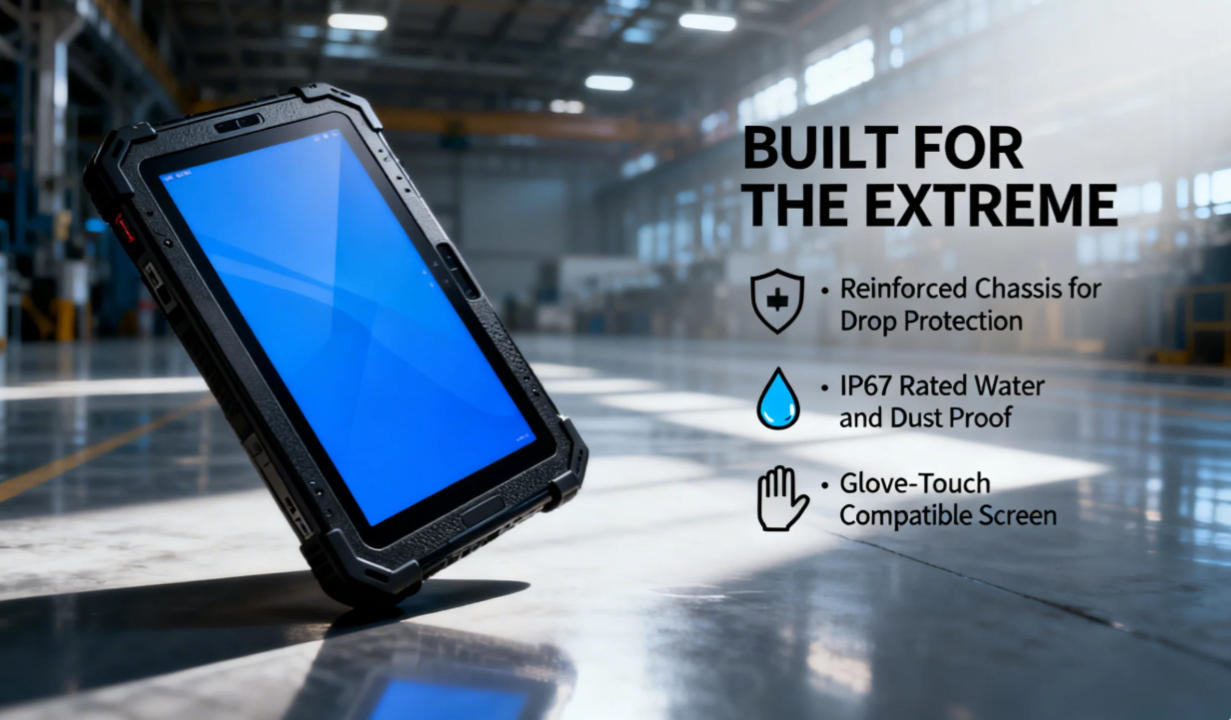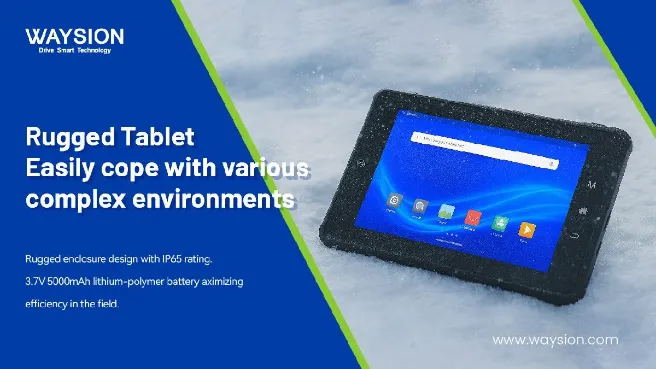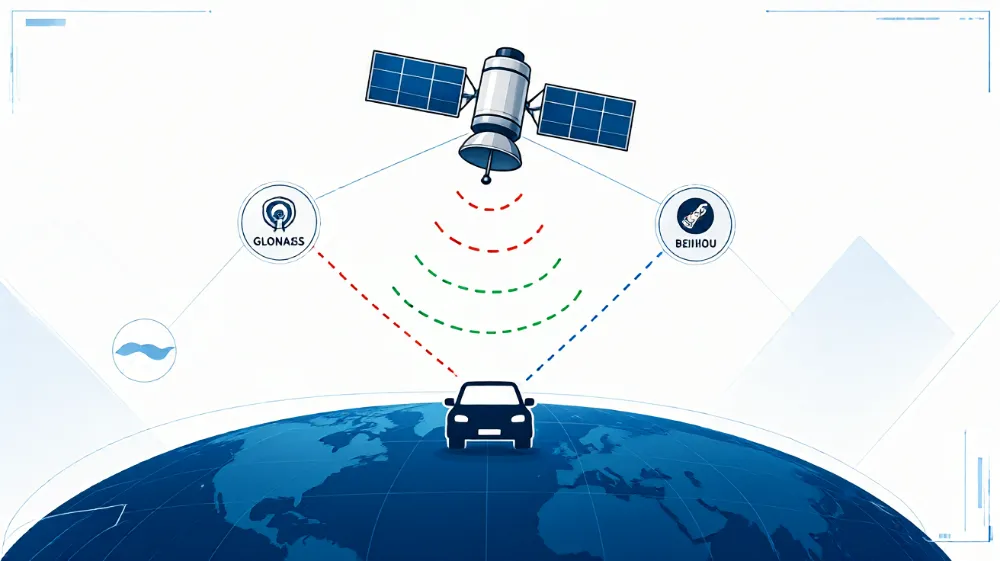

Direct Answer: For commercial trucks operating full-time across varying climates, a vehicle-mounted rugged tablet outperforms a consumer tablet in a protective case—not because of drop protection alone, but due to wide-temperature battery tolerance (-20°C to 60°C), regulated 9–36V ignition-sensing power, and MIL-STD-810H vibration resistance. Consumer tablets remain viable only for short-term pilot programs, light-duty local deliveries, or non-mounted handheld workflows.
Choosing a tablet for commercial trucking is often treated as a consumer electronics purchase: buy an off-the-shelf tablet, add a heavy-duty rubber bumper case, and mount it to the dashboard. While that setup works for short-term testing, heavy-duty fleets quickly encounter recurring failures caused by cab heat, electrical transients, and continuous highway vibration.
Below is an engineering and Total Cost of Ownership (TCO) breakdown of how vehicle-grade rugged tablets compare to consumer tablets in real-world trucking environments.
Quick Comparison: Rugged vs. Consumer Tablets for Commercial Trucks
| Evaluation Factor | Consumer Tablet (+ Protective Case) | Vehicle-Mounted Rugged Tablet | Why It Matters in a Truck Cab |
| Operating Temperature | 0°C to 35°C (32°F to 95°F) | -20°C to 60°C (-4°F to 140°F) | Prevents thermal shutdown on sun-exposed dashboards and cold-start failure in winter |
| Power & Ignition Input | 5V USB / consumer cigarette adapter; manual power | Wide-voltage 9–36V DC with ignition sense & surge protection | Survives engine cranking voltage drops and electrical load dump transients |
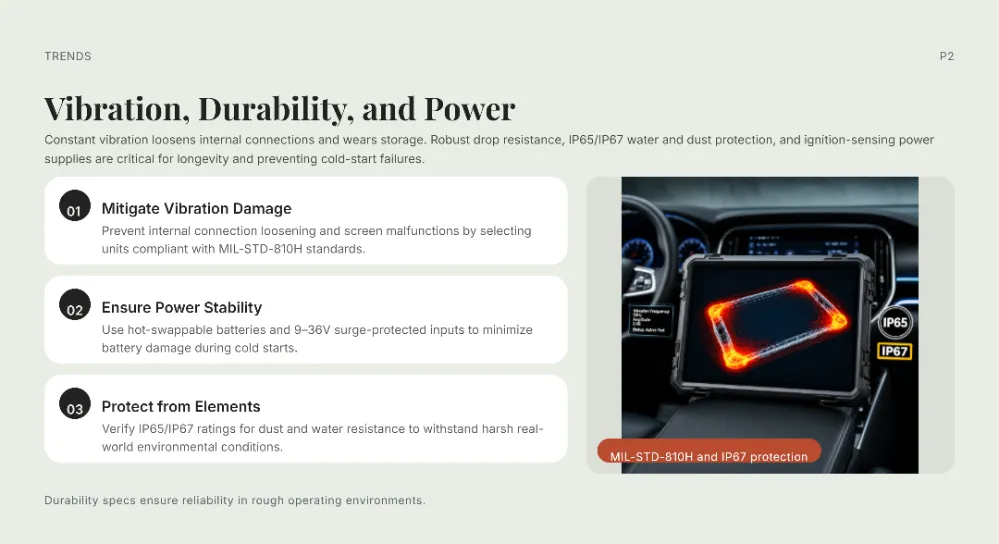
| Vibration & Shock | Consumer drop rating only (case-dependent) | Tested to MIL-STD-810H / SAE J1455 vibration profiles | Prevents USB port loosening, solder fatigue, and mount failure over 100,000+ miles |
| Sunlight Readability | 400–600 nits (glossy glass, high glare) | 800–1,000+ nits with anti-glare / optical bonding | Keeps ELD, navigation, and dispatch screens legible in direct windshield glare |
| Docking & Mounting | Friction cradle + loose USB-C cable | Locking pogo-pin powered dock (AMPS / VESA) | Enables one-handed undocking and eliminates broken charging connectors |
| Product Lifecycle | 12–18 months before model discontinuation | 3–5 years hardware & OS availability | Avoids replacing custom vehicle docks every time a tablet generation changes |
| Annual Failure / Spare Rate | Typically 15%–25% annual replacement in heavy fleets | Typically less than 3%–5% annual failure rate | Reduces vehicle downtime, IT re-provisioning, and spare pool inventory |
Why Consumer Tablets in Protective Cases Fail Inside Truck Cabs
A protective case absorbs impact when a device hits the floor, but it does not change the internal electronics, battery chemistry, or power circuitry of a consumer tablet. Four physical factors drive most commercial truck failures:
1. How Does Cab Heat Affect Tablet Batteries and Performance?
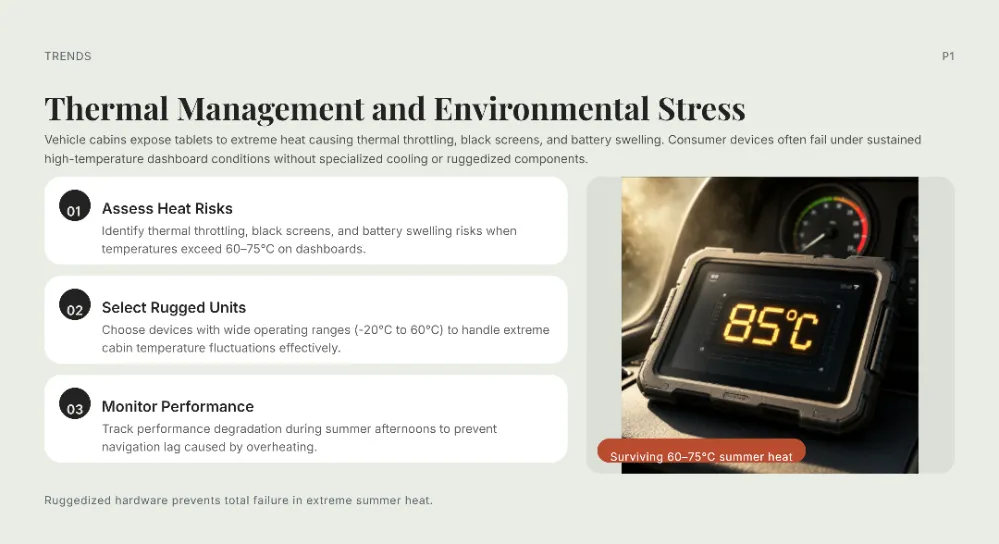
Parked truck dashboards regularly exceed 65°C (149°F) in direct summer sunlight, while unheated cabs in northern routes drop below -20°C (-4°F) overnight. Standard consumer tablets are engineered for 0°C to 35°C ambient operation.
When internal temperatures pass 45°C, consumer operating systems trigger thermal throttling—dimming the display, slowing GPS and telematics apps, and halting battery charging. Repeated thermal cycling accelerates lithium-ion battery swelling, creating a safety hazard inside an enclosed cab. Vehicle-mounted rugged tablets utilize wide-temperature components, passive heat-dissipation chassis, and high-temperature or supercapacitor-assisted power architectures rated for continuous operation between -20°C and 60°C.
2. How Do Truck Power Surges Damage Consumer Electronics?
Commercial 12V and 24V vehicle electrical systems are unstable compared to wall outlets. Cold engine cranking causes sudden voltage sags, while alternator load dumps and inductive spikes from auxiliary equipment generate high-voltage transients.
Consumer 5V USB car chargers lack industrial transient voltage suppression. Over time, voltage spikes degrade the tablet’s charging IC, leading to erratic charging or dead motherboards. Dedicated in-vehicle rugged tablets integrate a wide-range 9–36V DC power supply with ISO 7637-2 surge protection and ACC ignition sensing, automatically powering on when the driver turns the key and entering controlled sleep mode when the engine shuts off.
3. Why Do Charging Ports Loosen Over Long-Haul Routes?
Truck cabs experience continuous low-frequency vibration and sharp road shocks. On a consumer tablet, a standard USB-C cable plugged into the side of the chassis acts as a lever arm. Vibration wears down the port contacts and cracks internal solder joints within months.
Rugged vehicle terminals solve this through locking pogo-pin docking stations bolted via industry-standard AMPS or VESA patterns. Power and data (such as CAN bus, RS232, or external GNSS antennas) pass through spring-loaded, vibration-damped contact pads rather than fragile consumer plugs.
4. Can Drivers Read Consumer Screens in Direct Sunlight?
Windshield glare in a high-cab truck washes out standard 400–500 nit glossy consumer displays. Adding a matte screen protector reduces glare slightly but further lowers brightness and contrast.
Industrial vehicle tablets pair 800 to 1,000+ nit high-brightness panels with optical bonding (eliminating the air gap between the cover glass and LCD) and anti-reflective coatings. Capacitive touchscreens are also calibrated to register inputs through work gloves and light moisture.
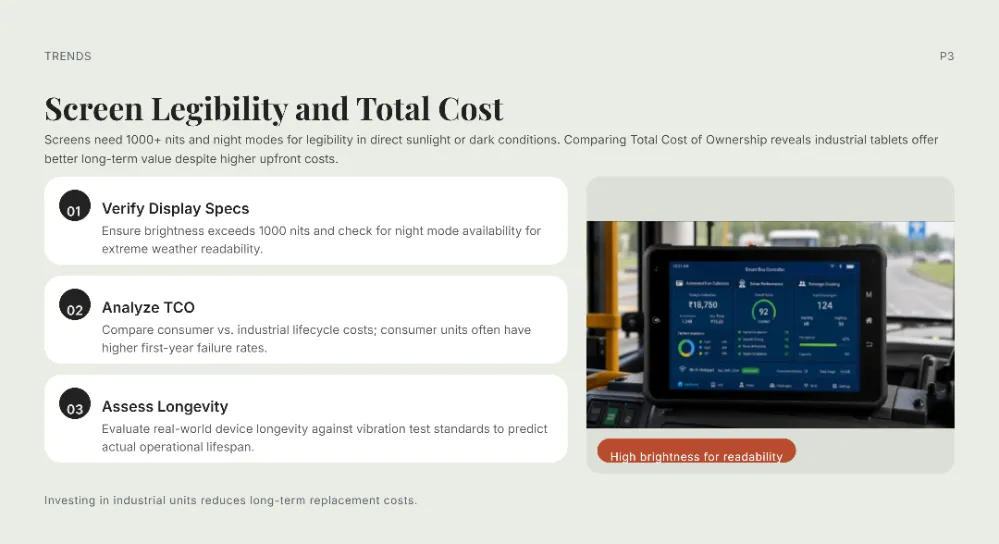
3-Year Total Cost of Ownership (TCO): Hardware Price vs. Fleet Reality
Comparing upfront hardware price alone is misleading because initial acquisition represents less than half of a mobile deployment’s lifecycle cost.
$$\text{3-Year Fleet TCO} = \text{Initial Hardware \& Docks} + \text{Replacement Units} + \text{IT Provisioning Labor} + \text{Vehicle Downtime}$$
Illustrative 100-Truck Fleet Comparison (36 Months)
- Consumer Tablet Deployment ($450 tablet + $100 case/mount = $550/unit):
- Initial outlay: $55,000
- Annual replacement rate (~20% due to heat, broken ports, and battery swelling): ~60 replacement units over 3 years = $33,000
- Dock/mount re-tooling when consumer models discontinue every 12–18 months: $8,000
- IT staging, MDM re-enrollment, and driver swap logistics (~2.5 hours per incident @ $60/hr): $9,000
- Estimated 3-Year TCO: ~$105,000+ (excluding missed dispatch or ELD compliance delays)
- Vehicle-Mounted Rugged Tablet Deployment ($950 tablet + $180 powered dock = $1,130/unit):
- Initial outlay: $113,000
- Annual replacement rate (~3%–4%): ~10 replacement units over 3 years = $9,500
- Dock re-tooling (3–5 year hardware lifecycle): $0
- IT staging and swap logistics: $1,500
- Estimated 3-Year TCO: ~$124,000 — and often lower than consumer deployments once a single ELD violation or missed load per truck is factored in.
When a Consumer Tablet Actually Makes Sense
Deploying a rugged terminal is not necessary for every fleet workflow. A consumer tablet in a protective case is a practical, cost-effective choice when:
- Running a short-term pilot: You are conducting a 30-to-90-day Proof of Concept (POC) to test fleet software before committing to vehicle-wide hardware.
- Operating in climate-controlled, handheld workflows: Drivers carry the tablet inside warehouses or customer sites and rarely leave it mounted on the dashboard.
- Managing light-duty local routes: Vehicles operate single daytime shifts in mild climates with minimal off-road vibration and predictable 12–18 month hardware refresh budgets.
Frequently Asked Questions (FAQ)
Can I use an iPad or Android consumer tablet for ELD compliance in a semi-truck?
Yes, FMCSA regulations allow consumer tablets to run certified ELD apps as long as the device remains securely mounted and visible to the driver. However, consumer tablets frequently shut down in extreme cab heat or fail due to loose USB-C charging cables, forcing drivers onto paper logs until a replacement arrives.
What temperature rating is required for a truck-mounted tablet?
A commercial truck tablet should support an operating temperature range of at least -20°C to 60°C (-4°F to 140°F) and a storage range down to -30°C. Standard consumer tablets rated for 0°C to 35°C will throttle or shut off on sun-exposed dashboards.
What is ignition sensing on a rugged vehicle tablet?
Ignition sensing connects the tablet’s powered dock to the truck’s ACC (accessory) wire. When the ignition turns on, the tablet boots or wakes automatically; when the engine turns off, the tablet waits for a configured delay before entering low-power sleep or shutting down, preventing starter battery drain.
How long do vehicle-mounted rugged tablets typically last?
Most industrial vehicle-mounted rugged tablets remain in active service for 3 to 5 years, supported by multi-year hardware availability so fleets can expand without buying incompatible mounting docks.
Tags: best rugged tablet for high temperature truck cabs, MIL-STD-810H vibration testing for truck tablets, rugged tablet vs consumer tablet total cost of ownership, rugged vs consumer tablets for truck fleets, vehicle mounted tablet with ignition sensing power