- Rugged Tablet Screen Sizes: From 7-inch to 12-inch and Beyond
- Portability vs. Screen Real Estate: Finding the Sweet Spot
- Top Factors Influencing Your Rugged Tablet Size Selection
- Why 10-inch Rugged Tablets are the Industry Standard
- Specialized Use Cases: When Small (7-8") or Large (12"+) is Better
- Understanding Aspect Ratio and Resolution in Rugged Displays
- Summary: How to Decide on the Right Size for Your Workforce
- Technical Specifications Comparison Table
- Frequently Asked Questions (FAQ)
In the world of industrial computing, “one size fits all” is a myth that leads to reduced productivity, ergonomic strain, and increased Total Cost of Ownership (TCO). Whether you are managing a fleet of long-haul trucks, overseeing a mining site, or digitizing a hospital ward, the physical dimensions of your rugged tablet dictate how effectively your team interacts with critical data.
This guide breaks down the technical nuances of screen real estate, portability, and environmental constraints to help you make an informed procurement decision.
Rugged Tablet Screen Sizes: From 7-inch to 12-inch and Beyond
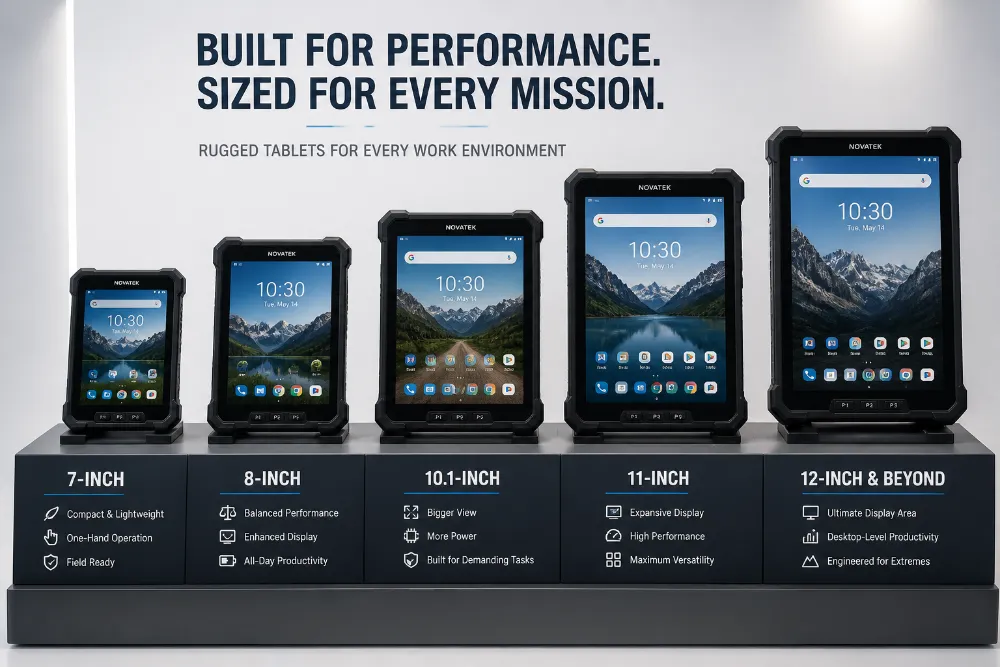
When evaluating the market, rugged tablets generally fall into three distinct categories. Understanding these brackets is the first step in narrowing your search.
The Compact Class (7” to 8”)
These devices are designed for maximum portability. They are often “hand-held” rather than just “portable.”
- Best For: High-mobility roles, inventory management, and technical inspections.
- Key Advantage: Lightweight (usually under 700g) and easy to operate with one hand.
The Standard Industrial Class (10” to 10.1”)
The 10.1-inch widescreen (16:10 aspect ratio) is the “Goldilocks” zone of the industry. It balances enough screen real estate for complex apps with a form factor that can still be mounted in vehicles or carried in a shoulder strap.
- Best For: Field service, construction, and public safety.
The Large Screen Class (11.6” to 14”)
These are the powerhouses meant to replace laptops. They often feature higher resolutions and are designed for “stationary mobile” work—tasks performed at a site but not necessarily while walking.
- Best For: GIS mapping, CAD viewing, and diagnostic imaging.
Portability vs. Screen Real Estate: Finding the Sweet Spot
The fundamental tension in rugged tablet selection is the trade-off between portability and information density.
The Ergonomics of Weight
A 12-inch fully rugged tablet can weigh upwards of 1.5kg (3.3 lbs). While that sounds manageable, a field engineer carrying that device for an 8-hour shift will experience significant wrist and shoulder fatigue.
- Data Point: Ergonomic studies suggest that for “active carry” roles (where the device is held for more than 4 hours a day), a device weight of under 900g is optimal to prevent Repetitive Strain Injury (RSI).
Information Density and UI Design
If your enterprise software uses legacy Windows interfaces with small buttons and dense menus, a 7-inch screen will lead to “fat-finger” errors.
- Professional Insight: Always match your screen size to your software’s UI. Modern Android-based industrial apps are often optimized for 8-inch screens, whereas legacy ERP/Windows systems usually require at least 10 inches to remain functional without constant zooming.
Top Factors Influencing Your Rugged Tablet Size Selection
Choosing a size isn’t just about the diagonal measurement; it’s about the environment where the tablet lives.
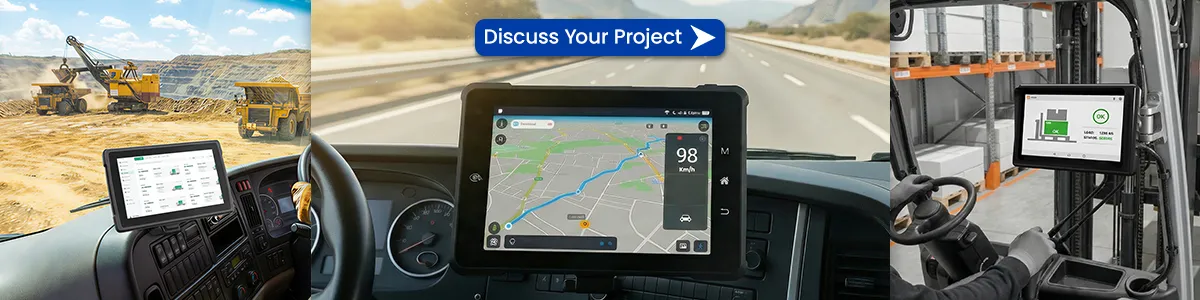
Mounting Constraints (Vehicle & Forklift)
In-vehicle mounting is a critical factor. A 12-inch tablet in a compact forklift cabin can create dangerous blind spots.
- The “Airbag Rule”: In police or EMS vehicles, the tablet and its dock must not interfere with the deployment zone of the vehicle’s airbags. Often, this limits the choice to 10-inch models or smaller.
Battery Life and Thermal Management
Larger screens require more powerful backlights, which are the primary drain on battery life.
- Power Consumption: A 12-inch screen at 1000 nits (sunlight readable) can consume up to 40% more power than an 8-inch screen at the same brightness. If your shift is 10+ hours without a charging dock, a smaller screen or a hot-swappable battery system is mandatory.
Why 10-inch Rugged Tablets are the Industry Standard
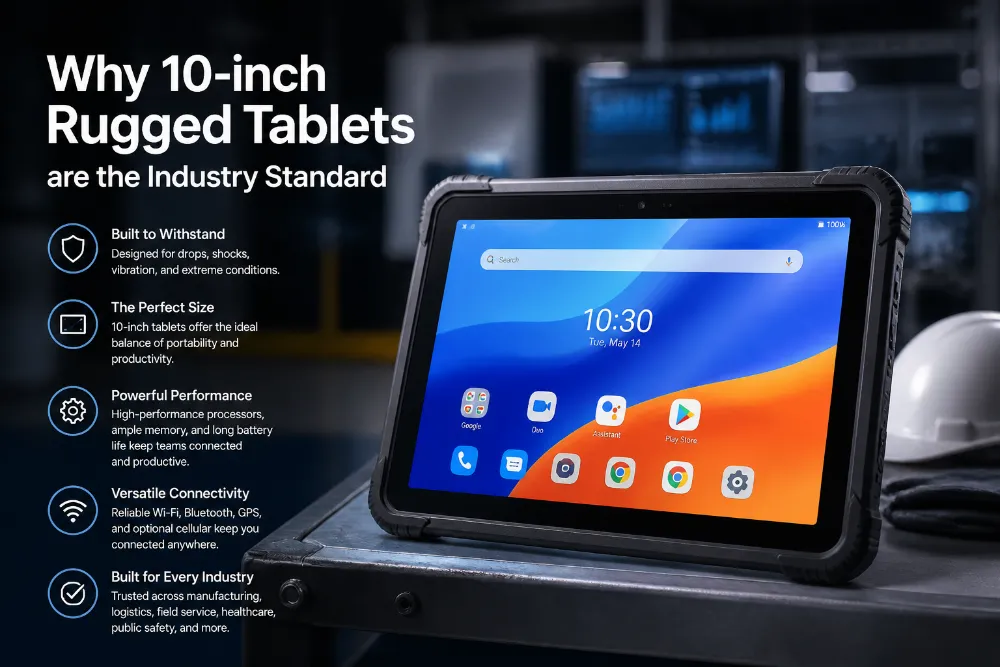
There is a reason why the 10.1-inch rugged tablet dominates nearly 50% of the B2B market. It offers the most versatile balance of technical specifications.
- Standardized Aspect Ratio: Most industrial software is developed for 1920×1200 (WUXGA) resolutions, which fit perfectly on a 10.1″ panel.
- Accessory Ecosystem: Because this size is so common, finding off-the-shelf vehicle docks, hand straps, and keyboard attachments is significantly cheaper and easier than for niche 7-inch or 14-inch models.
- Visual Clarity: It provides enough space for “split-screen” multitasking—for example, having a work order open on one side and a map on the other.
Specialized Use Cases: When Small (7-8″) or Large (12″+) is Better
The Case for 7-8 Inch Tablets
- Utility Meter Reading: Workers need to be able to slip the device into a cargo pocket to climb ladders or navigate tight spaces.
- Healthcare Infotainment: At the patient’s bedside, a smaller, lighter device is easier for patients to hold and less intrusive for clinical staff during vitals checks.
The Case for 12-14 Inch Tablets
- Mining and Hard Engineering: When viewing blueprints or circuit diagrams, detail is everything. A larger screen reduces the need for “panning,” which saves time and prevents errors in interpreting complex data.
- Military Command and Control: High-resolution mapping and satellite feeds require maximum screen real estate to maintain situational awareness.
Understanding Aspect Ratio and Resolution in Rugged Displays
A common mistake is looking at the screen size but ignoring the Aspect Ratio.
- 16:9 vs 16:10: 16:10 (found in most 10.1″ tablets) provides more vertical space, which is vital for reading documents and long lists of data.
- 4:3: Though rarer now, this is still preferred for some legacy GIS applications.
Resolution (DPI) Matters: A 10-inch screen with only 1280×800 resolution will look pixelated and may not display enough of your app’s interface. For 10-inch and above, look for at least 1920 x 1200 pixels to ensure text clarity and reduce eye strain during long shifts.
Summary: How to Decide on the Right Size for Your Workforce
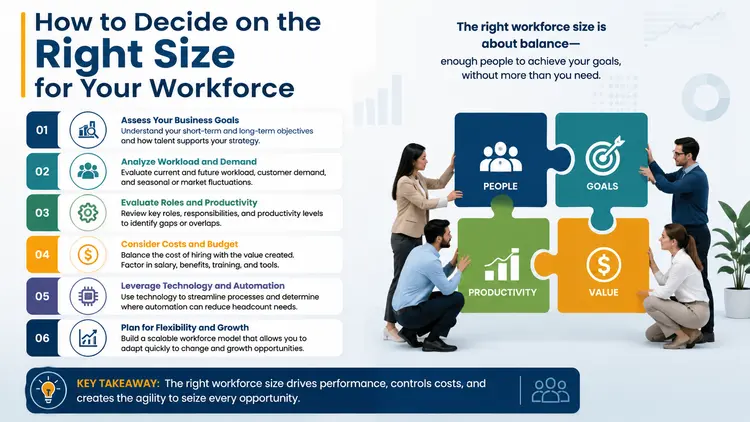
To finalize your decision, run this 3-point audit:
- The “Carry” Test: Will the user hold the device for more than 20 minutes at a time? If yes, stay under 10 inches.
- The “Data” Test: Does the software require multiple windows or fine detail? If yes, go 10.1 inches or larger.
- The “Space” Test: Where will the device be docked? Measure the dashboard or workstation before committing to a large-format tablet.
Technical Specifications Comparison Table
| Tablet Size | Average Weight | Primary Use Case | Portability Rating |
| 7″ – 8″ | 500g – 700g | Inventory, Retail, Inspections | Excellent (Pocketable) |
| 10.1″ | 900g – 1.2kg | Field Service, Logistics, Public Safety | Balanced (Shoulder Strap) |
| 12.2″+ | 1.4kg – 2.0kg | GIS, CAD, Maintenance Diagnostics | Low (Vehicle Mounted) |
Frequently Asked Questions (FAQ)
What is the most popular screen size for rugged tablets?
The 10.1-inch screen is the industry standard due to its balance of screen space and portability. It is widely supported by third-party mounting manufacturers like RAM Mounts and Gamber-Johnson.
Does a larger screen mean a more fragile tablet?
Technically, a larger surface area of glass is more vulnerable to impact. However, high-quality rugged tablets compensate for this with thicker Corning Gorilla Glass and internal magnesium alloy mid-frames. Always check the MIL-STD-810H drop rating regardless of size.
How does screen size affect sunlight readability?
Screen size doesn’t directly affect readability, but Luminance (Nits) does. However, larger screens generate more heat when running at high brightness (e.g., 1000+ nits). Ensure your large-screen tablet has excellent thermal management if used in direct sunlight.
Can I use a 7-inch tablet for vehicle navigation?
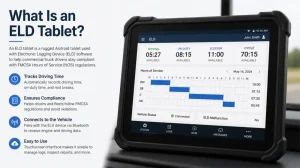
Yes, but with caution. While 7-inch tablets are great for not obstructing the view, the text may be too small to read safely while driving. 8-inch to 10-inch tablets are generally preferred for ELD (Electronic Logging Device) applications.
Does screen size impact the IP rating?
No. Whether it is 7 inches or 13 inches, a tablet can be rated IP65, IP67, or IP68 (water and dust resistance). The size of the screen does not limit the sealing capabilities of the chassis.
Tags: 10.1 inch rugged tablet, 7 inch rugged tablet, 8 inch android tablet