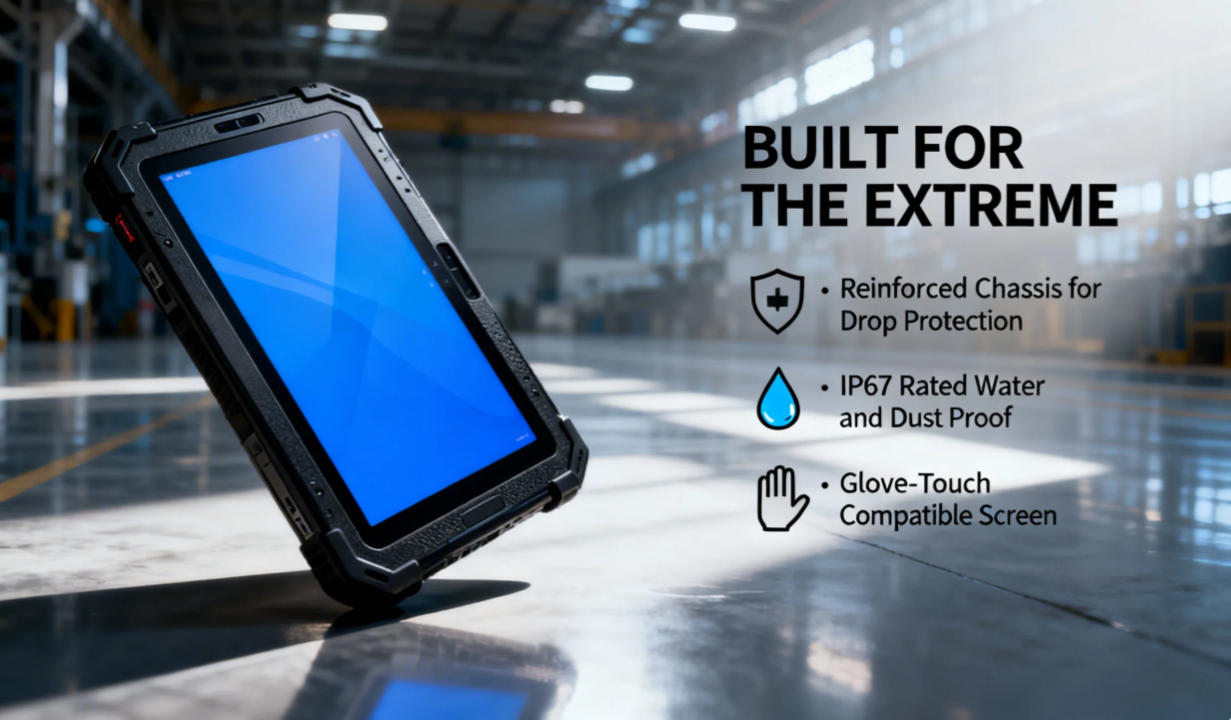
Specifically, the “Select Bus Route” function on modern MDTs—rugged vehicle tablet—has become the gold standard for how municipal transit systems, like Miami-Dade Transit (MDT), manage their daily fleet flow.
What is the “Select Bus Route” Function on an MDT?
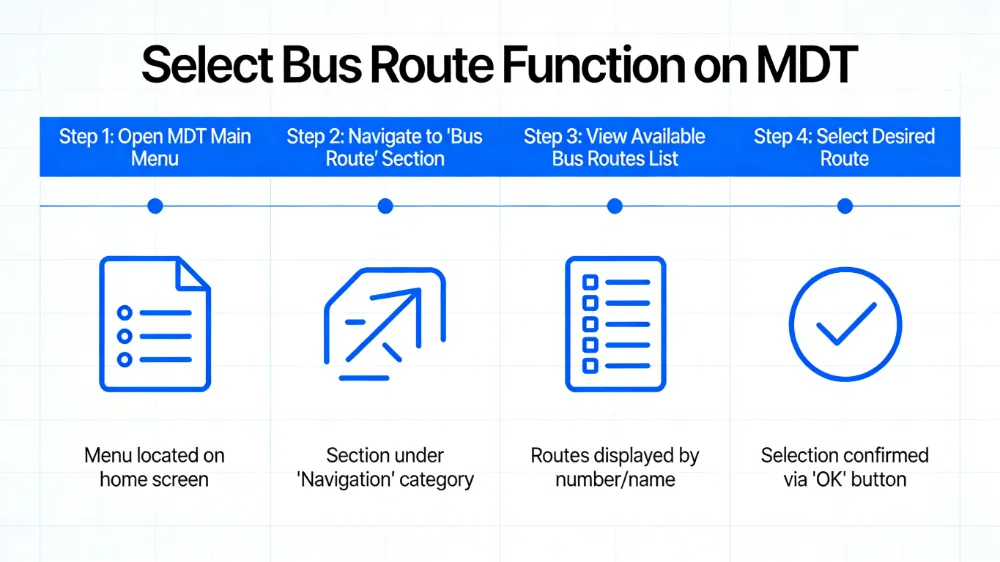
The Select Bus Route feature is a dedicated software interface within the MDT that allows a bus driver to initialize their specific assignment for the shift. When a driver enters a vehicle, they don’t just “drive”; they must sync the vehicle with the city’s central dispatch and the public-facing real-time maps.
By selecting a route, the MDT automatically configures:
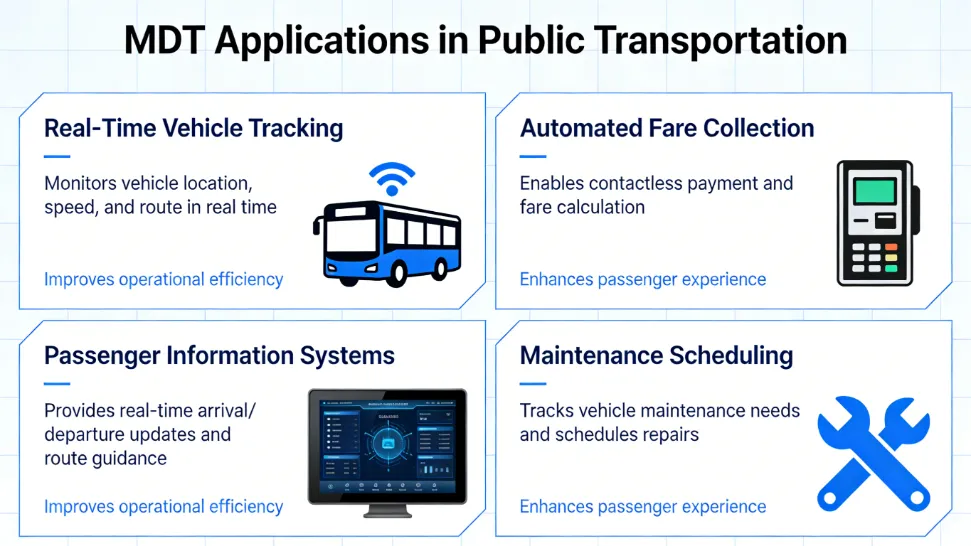
Automatic Voice Announcements (AVA): Triggers the “Next Stop” audio for passengers.
Destination Signs: Updates the external LED headers (e.g., “Route 40 – Downtown”).
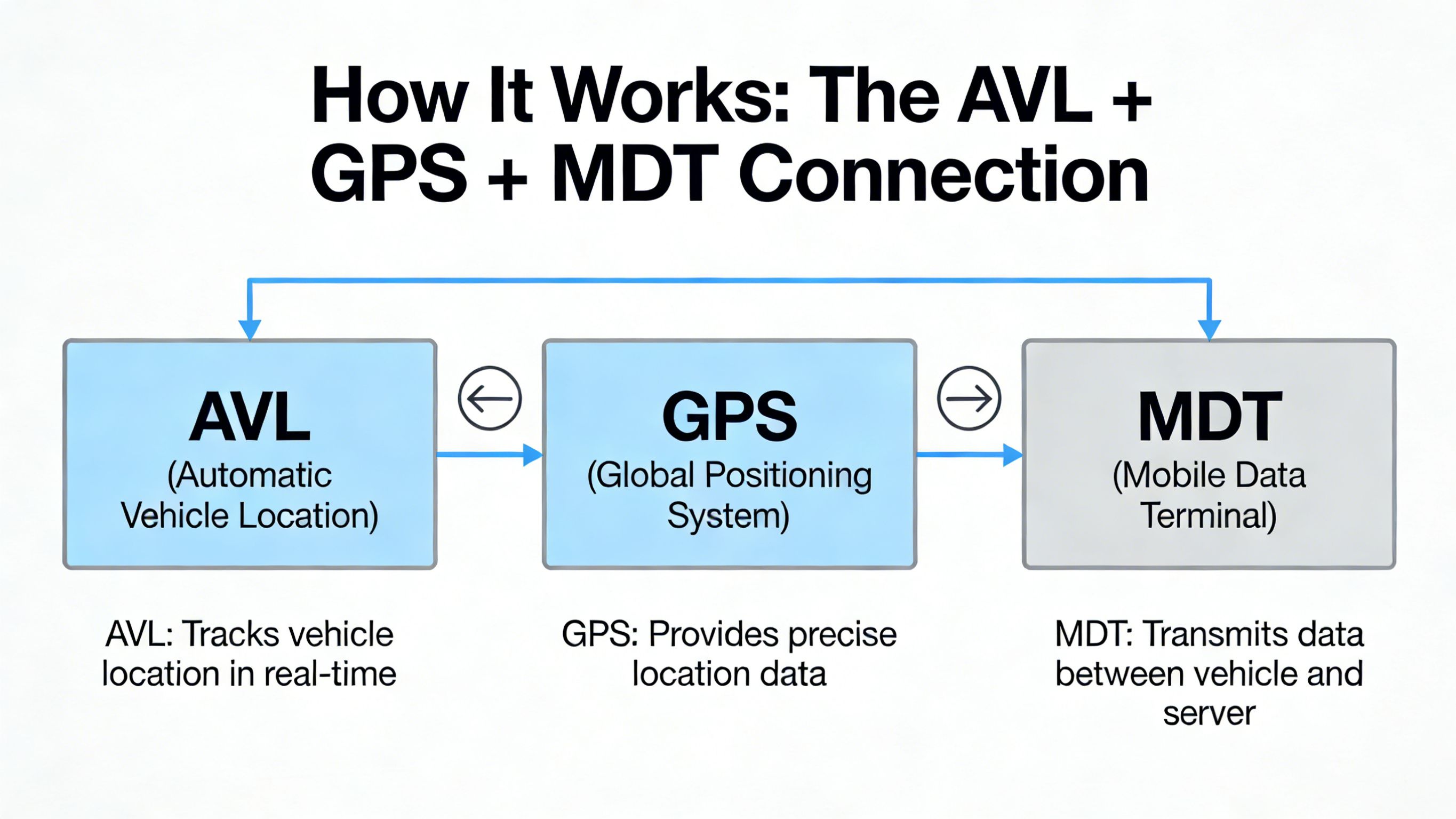
CAD/AVL Integration: Notifies dispatch exactly which bus is covering which “block” or “run.”
Farebox Sync: Updates the payment system to reflect the correct zone pricing.
How to Use the Select Bus Route Feature
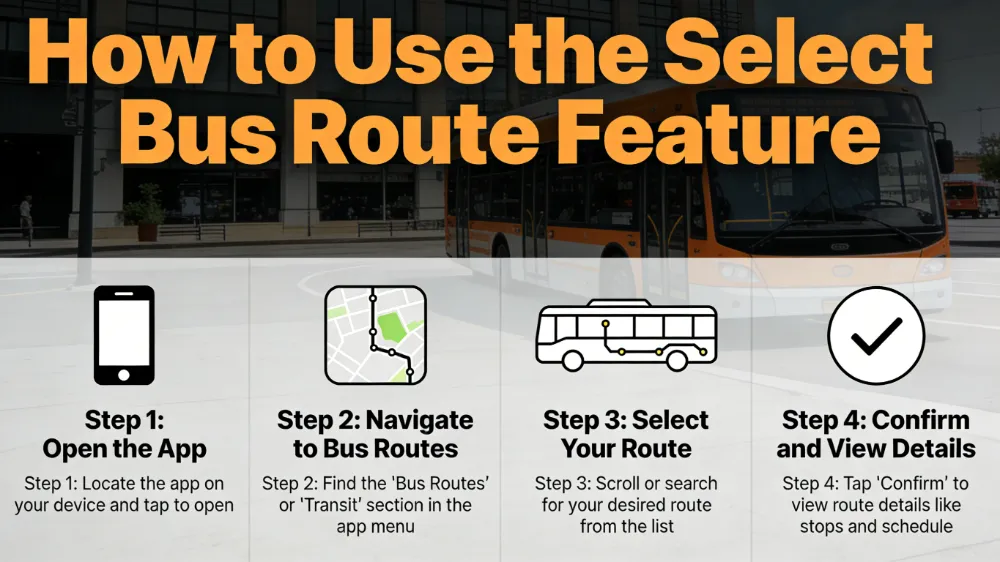
Operating a professional MDT is designed to be intuitive to minimize driver distraction. Here is the standard operational flow:
Driver Login: The operator enters their unique ID or taps an NFC badge on the rugged vehicle tablet terminal.
Enter Run/Block Number: Dispatch typically assigns a “Block” (a sequence of trips). The driver enters this code.
Route Selection:
The screen displays a list of available routes (e.g., Route 11, Route 120 Beach Express).
The driver taps “Select Bus Route” and chooses the specific direction (Northbound/Southbound).
Confirm Initialization: The MDT performs a “handshake” with the server. Once confirmed, the external signs and internal stop announcements go live.
Dynamic Re-routing (Optional): If a road is closed, dispatch can push a “Detour” notification. The driver taps “Accept,” and the MDT Select Bus Route software recalculates the stop sequence automatically.
The Strategic Advantages of Digital Route Selection
1. Eliminating Manual Errors
Before advanced MDTs, drivers had to manually change destination signs and radio in their location. Digital selection ensures the Passenger Information System (PIS) is 100% accurate, reducing passenger confusion and complaints.
2. Real-Time Dispatch Response
If a bus breaks down, dispatch can immediately reassign a “deadheading” bus to that route. The new driver simply hits “Select Bus Route,” and the vehicle instantly becomes part of that active line, visible to all GPS tracking apps.
3. Improving On-Time Performance (OTP)
MDTs provide “Leading/Lagging” indicators. By selecting the route, the driver sees a real-time countdown (e.g., -2:00 meaning 2 minutes behind schedule). This data-driven feedback helps drivers safely adjust their pace to maintain the schedule.
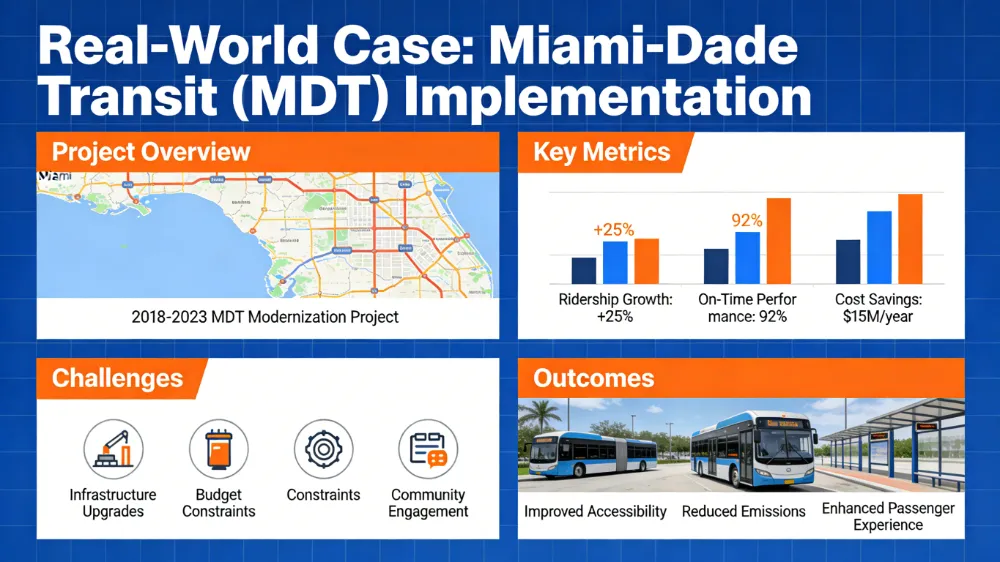
Transit (MDT) Implementation
In large-scale systems like Miami-Dade Transit (MDT), the “Select Bus Route” function is integrated into a massive ecosystem. Miami’s fleet uses these terminals to ensure that when a driver selects a route, the data is instantly pushed to the “GO Miami-Dade Transit” app.
rugged vehiclet tablet hardware excels in these environments because of its rugged connectivity. In high-interference urban canyons (like Downtown Miami), rugged vehiclet tablet’s superior GPS sensitivity ensures that when a route is selected, the bus doesn’t “jump” on the map, providing smooth, reliable data to both the driver and the waiting passenger.
Troubleshooting Common Route Selection Issues
Even the best technology can face hiccups. Here are the most common “Select Bus Route” issues and how to fix them:
“Route Not Found”: Usually caused by an outdated database. Ensure the Rugged vehiclet tablet has performed its morning Wi-Fi sync at the bus depot.
GPS Mismatch: If the MDT thinks the bus is on Route A but it’s physically on Route B, the driver should perform a “Hard Reset” of the route selection to re-sync with the nearest waypoint.
Signage Not Updating: Check the physical connection between the MDT’s RS232/RS485 port and the external LED controller.
Summary and Next Steps
The MDT Select Bus Route function is the bridge between a static vehicle and a smart, connected transit network. Through high-performance hardware from providers like rugged vehicle tablet, drivers can focus on the road while the technology handles the communication, navigation, and passenger updates.
Take your fleet to the next level:
Combine with Live Tracking: See how route selection feeds into real-time maps in our .
Explore Rail Solutions: Learn how this logic applies to trains in our .