In the world of urban mobility, the “where is my bus?” question has evolved from a source of anxiety to a data-driven certainty. For major metropolitan areas like Miami-Dade Transit (MDT), the answer lies in a sophisticated ecosystem known as the MDT Transit Bus Tracker.
This guide explores the technology behind real-time tracking, how drivers and dispatchers use it, and how you as a passenger can leverage it to reclaim your time. Learn more: Comprehensive Guide to Mobile Data Terminals (MDT) for Specific Industries: Fire, Transit, Rail, and Beyond
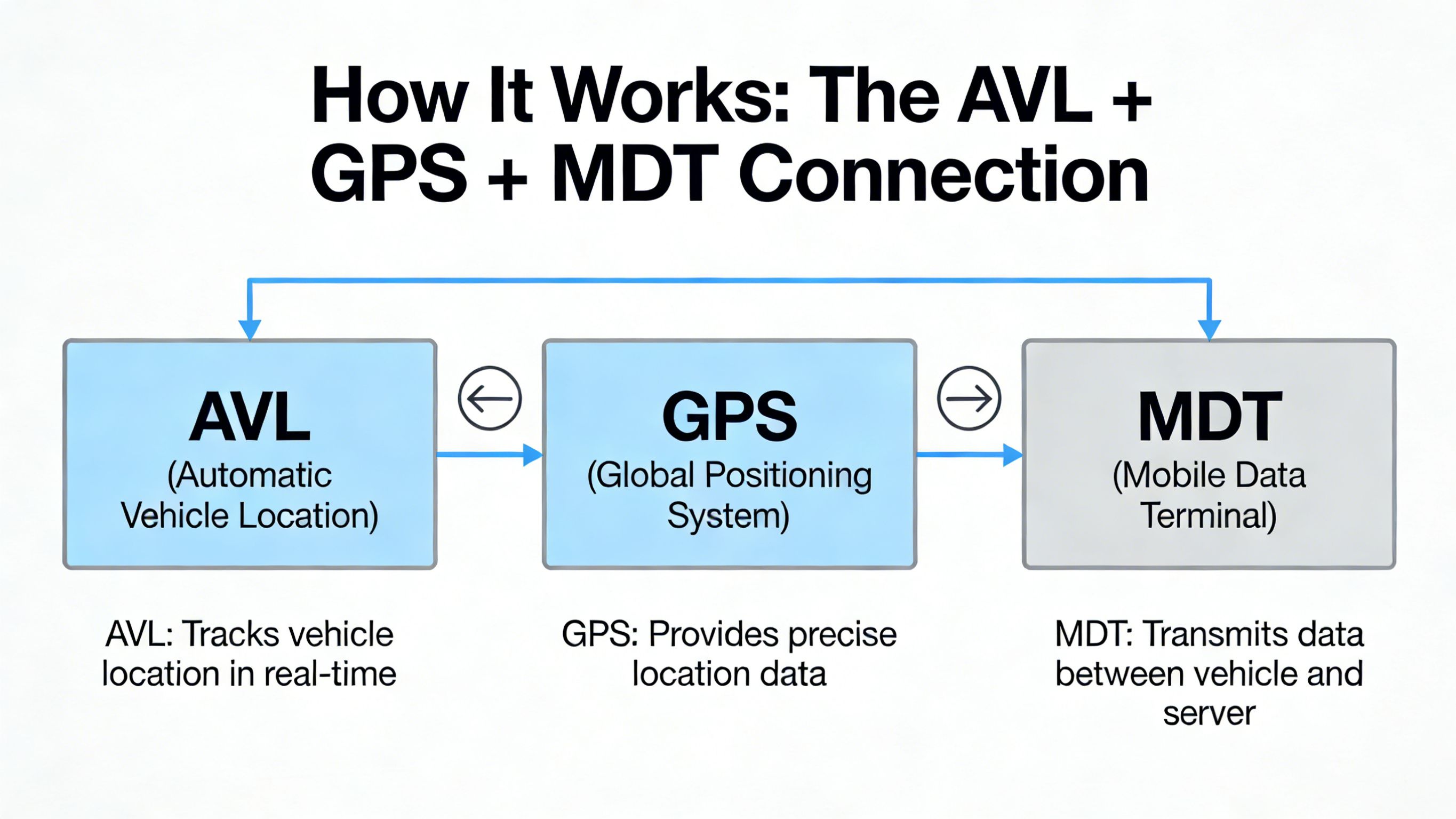
How It Works: The AVL + GPS + MDT Connection
The MDT Transit Bus Tracker isn’t just a map; it is a synchronized dance between three core technologies.
1. GPS (Global Positioning System)
Every modern bus in the fleet is equipped with a high-sensitivity GPS receiver. This hardware constantly calculates the vehicle’s latitude, longitude, and speed by communicating with satellites.
2. AVL (Automatic Vehicle Location)
The AVL system is the “brain” of the operation. It takes the raw GPS coordinates and compares them against the planned schedule and route geometry. It determines if a bus is “On Time,” “Leading” (too fast), or “Lagging” (delayed).
3. MDT (Mobile Data Terminal)
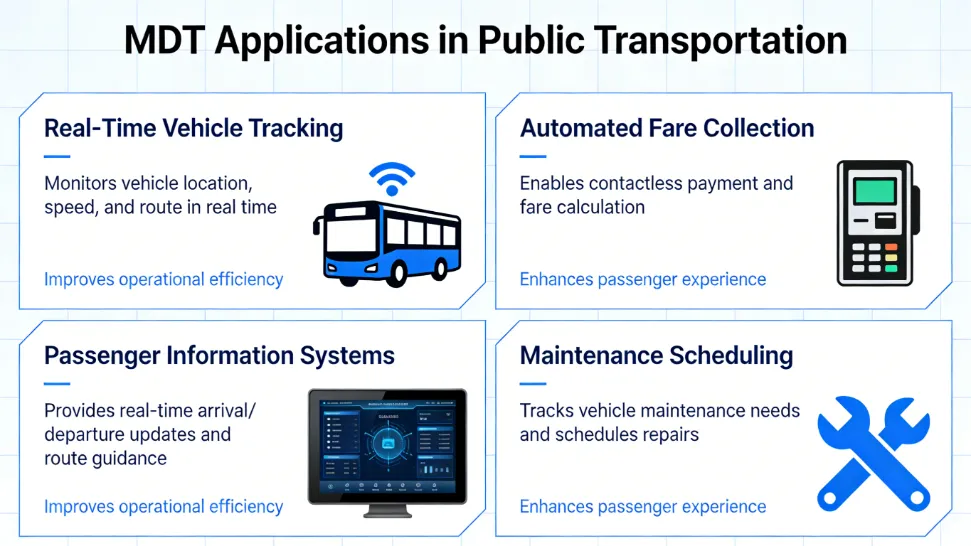
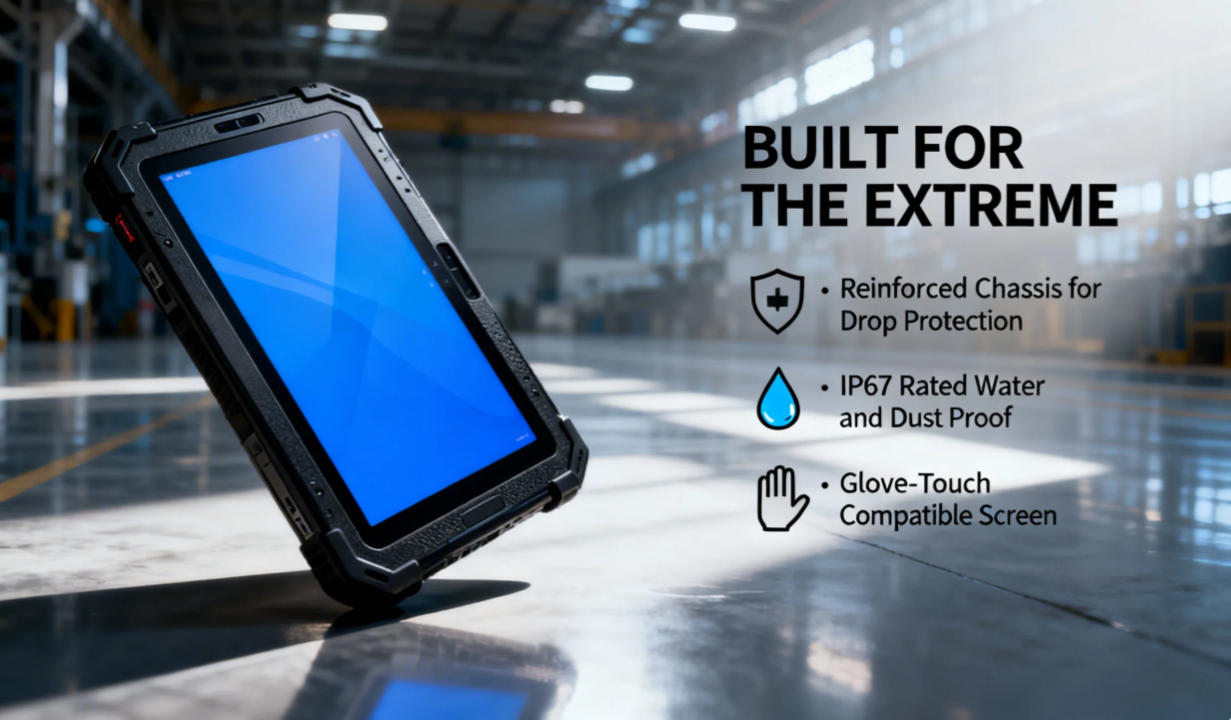
The MDT is the physical tablet or rugged computer located in the driver’s cab. It acts as the communication gateway. The MDT transmits the AVL data to central servers via 5G or LTE networks, which then pushes that information to your smartphone.
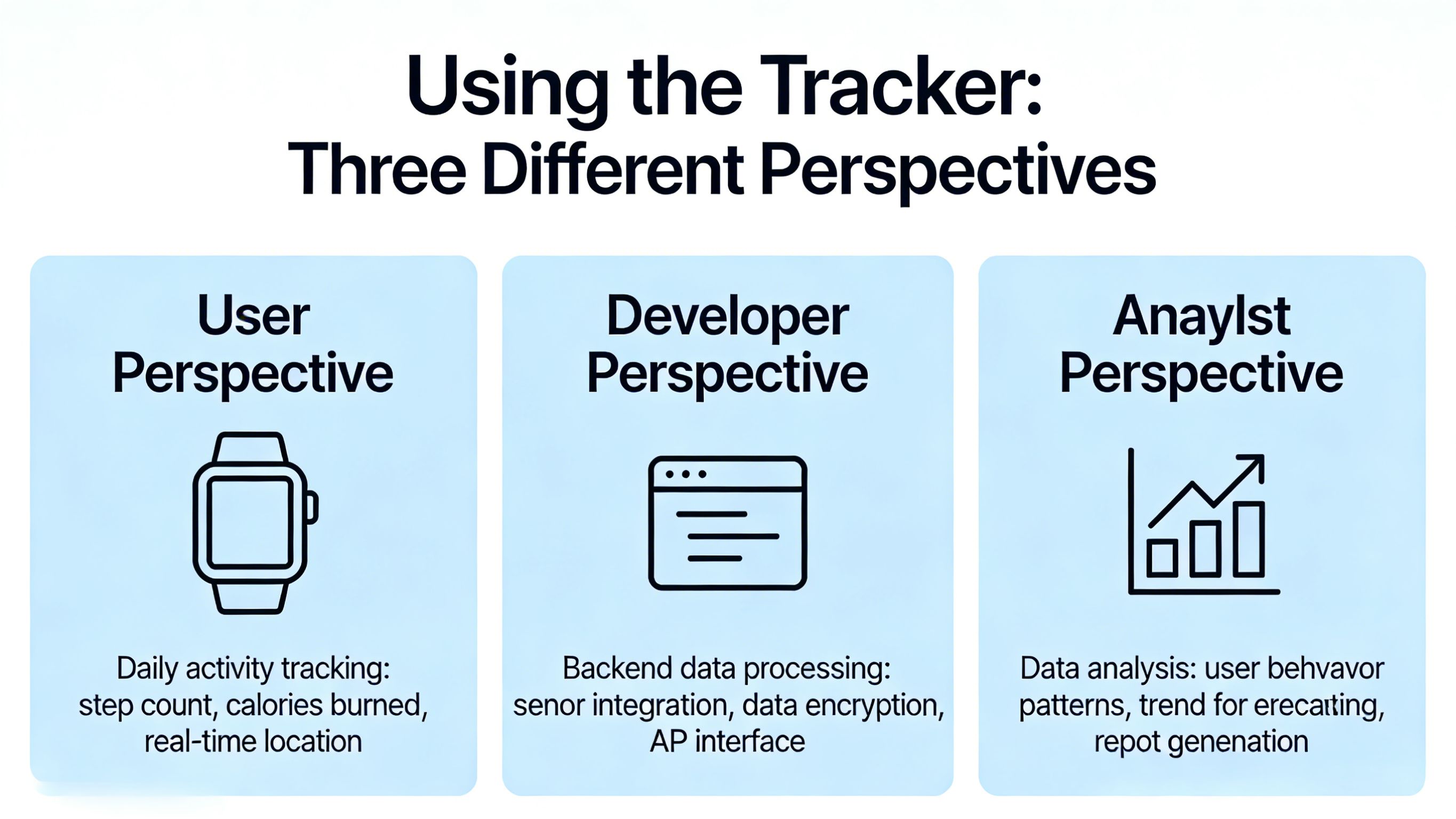
Using the Tracker: Three Different Perspectives
A real-time tracking system serves three distinct groups, each with a different view of the data.
1. The Passenger Perspective (The “GO” Experience)
For the public, the primary tool is the GO Miami-Dade Transit App.
- Real-Time Visuals: See your bus moving in real-time on a Google Maps interface.
- Arrival Predictions: Instead of reading a static timetable, you see a countdown (e.g., “Arriving in 4 minutes”).
- Service Alerts: If a bus is detoured, the tracker reflects the change instantly, preventing you from waiting at a “dead” stop.
2. The Dispatcher Perspective (The Control Room)
From a central command center, dispatchers see a “God’s-eye view” of the entire city.
- Headway Management: If three buses on Route 11 are “bunched” together, dispatchers use MDT data to tell one driver to hold back and another to skip stops to restore even spacing.
- Emergency Response: If a driver triggers a silent alarm on their terminal, the tracker provides their exact coordinates for emergency services.
3. The Driver Perspective (Inside the Cab)
The MDT screen provides the driver with a simplified version of the tracker.
- Leading/Lagging Indicator: A simple timer (e.g., -3:00) tells the driver they are three minutes behind.
- Turn-by-Turn Navigation: If a driver is on a new route, the MDT provides visual guidance based on the GPS track.
Case Study: Miami-Dade Transit (MDT) Hardware Integration
Miami-Dade County recently upgraded its fleet with the “Clever” CAD/AVL system. This integration has turned every bus into a mobile data center.
- Transit Signal Priority (TSP): The tracker communicates with city traffic lights. If a bus is running late, the MDT sends a signal to the next intersection to extend the green light by a few seconds.
- Automated Announcements: Because the MDT knows exactly where the bus is via GPS, it triggers the “Next Stop: Government Center” audio at the perfect distance, ensuring ADA compliance without driver input.
Pro Tip: When using the GO Miami-Dade Transit App, look for the pulsing bus icon. A static icon usually represents a scheduled time, while a pulsing icon indicates a live GPS feed.
The Benefits of Real-Time Tracking (By the Numbers)
Why invest millions in MDT hardware? The data from 2025–2026 shows significant impacts:
Common FAQs & Troubleshooting
Q: Why does a bus sometimes “disappear” from the tracker?
A: This usually happens in “urban canyons” (between skyscrapers) where GPS signals are blocked, or in cellular dead zones. The system will usually “snap” back to the correct location once a signal is reacquired.
Q: Is the tracker accurate during a detour?
A: Yes. Modern MDTs allow drivers to select a “Detour Mode,” which notifies the central server to stop predicting arrivals for the skipped stops.
Q: Can I see how crowded the bus is?
A: Yes! In 2026, many MDT systems are linked to Automatic Passenger Counters (APC). The tracker app will often show a “Cloud” icon or a “1/3 Full” status based on real-time weight and infrared sensor data.
Conclusion: A Smarter Way to Commute
The MDT Transit Bus Tracker has moved public transit from a “best guess” service to a precision utility. By understanding the interplay between GPS, AVL, and the rugged MDT hardware in the cab, you can navigate your city with the confidence of a professional dispatcher.
Latest Content
- MDT Metrorail: Deployment and Functions in Rail Systems like Miami-Dade Transit
- MDT Select Bus Route: A Guide for Drivers on Efficient Route Selection and Optimization
- Comprehensive Guide to Mobile Data Terminals (MDT) for Specific Industries: Fire, Transit, Rail, and Beyond
- Vehicle Telematics Architecture Explained:The Role of Rugged In-Vehicle HMIs like Q777
- Best Rugged Tablets for Field Work in 2026: Top Picks & Buyer’s Guide(Updated 2026)
Tags: mobile data terminal