Why Fleets in Europe and North America Can’t Operate Without Rugged Tablets
In Europe and North America, fleet operators commonly face challenges such as high driver turnover, low vehicle utilization, increasing compliance pressure, and fragmented IT systems. Consumer-grade tablets often fail under heat, vibration, rain, snow, and long operating hours—creating downtime instead of productivity.
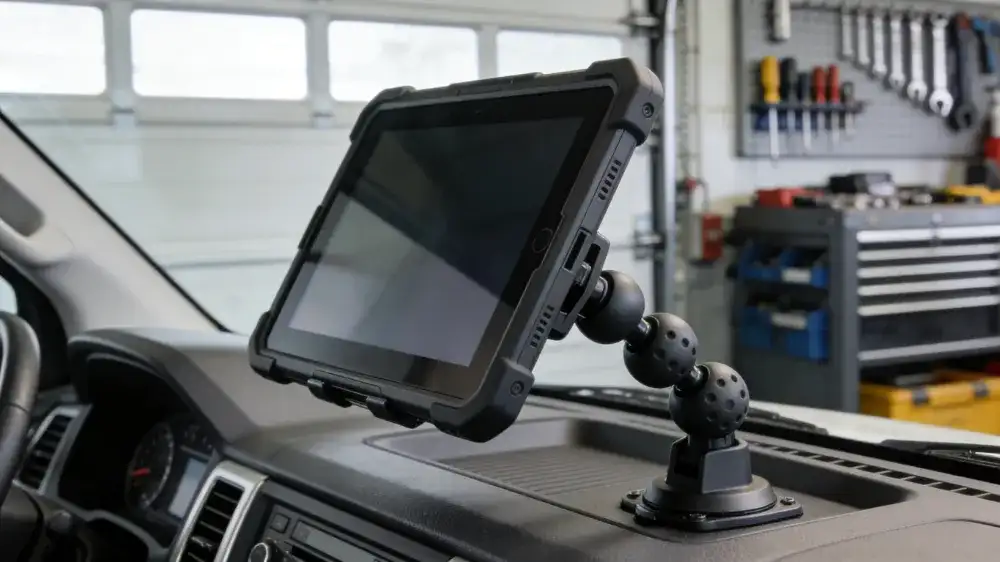
Rugged tablets for fleets are becoming the central hub connecting vehicles, drivers, and back-end systems. This article breaks down real operational pain points, explains the differences between Android, Linux, and Windows rugged tablets, and provides practical guidance to help you deploy a solution that actually works.
Real Fleet Pain Points: The Problem Isn’t Having Devices—It’s Having the Right Ones
1.1 Unstable Hardware Increases Operating Costs
- Device failures caused by heat, cold, or vibration
- Loose connectors and frequent data interruptions
- High maintenance and replacement costs that exceed the initial hardware price
1.2 Disconnected Systems, No Data Loop
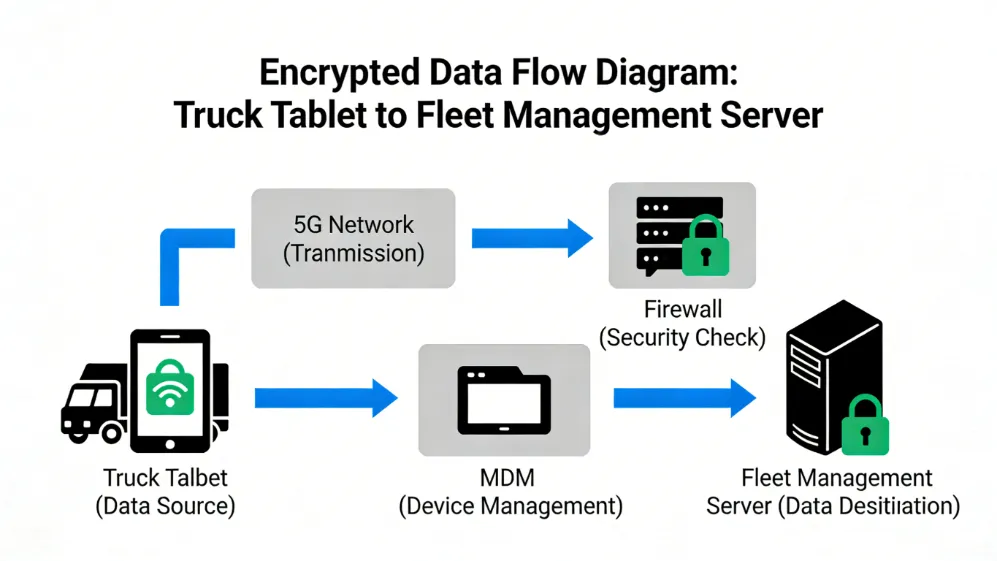
- TMS, FMS, ELD, and ADAS systems operating in silos
- Data not transmitted in real time, forcing managers to rely on post-event analysis
1.3 Growing Compliance Pressure in Western Markets
- ELD and Hours of Service (HOS) requirements
- GDPR data protection regulations
- Industry certifications (IP ratings, MIL-STD standards)
Key takeaway: Fleets don’t just need “a tablet”—they need a stable, compliant, and scalable in-vehicle computing solution.
What Are Rugged Tablets for Fleets?
2.1 Core Definition
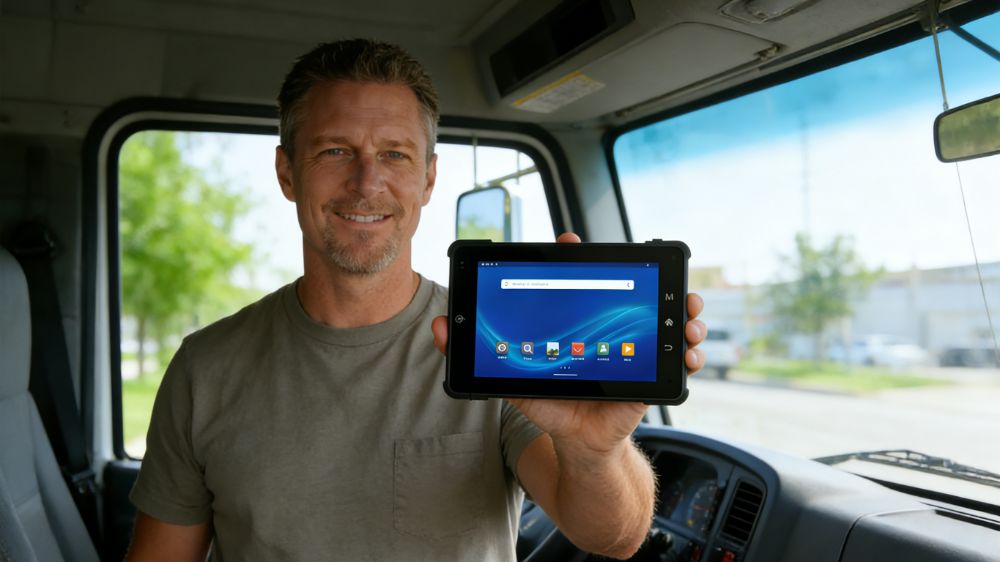
Rugged tablets for fleets are industrial-grade devices designed for long-term, in-vehicle use. They typically include:
- Dustproof, waterproof, and shock-resistant design (usually IP65 or higher)
- Wide temperature operation (-20°C to 60°C)
- Vehicle-grade power input with ignition sensing
- Support for 4G/5G, GNSS, CAN bus, and OBD interfaces
Which Operating System Should You Choose? Android vs. Linux vs. Windows
3.1 Rugged Android Tablets: The Best Value Choice for Fleet Digitization
Best for:
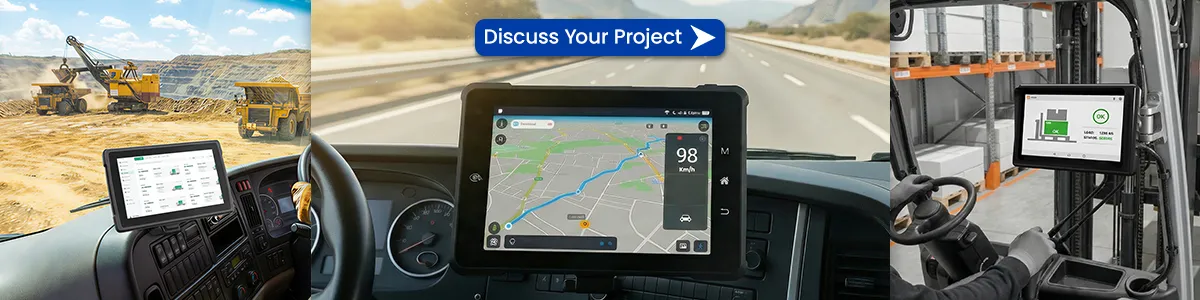
- Logistics, last-mile delivery, taxis, light commercial fleets
- Fleets that need fast deployment and easy driver training
Advantages:
- User-friendly interface with low learning curve
- Rich app ecosystem for ELD, dispatch, and navigation
- Easy OTA updates and simplified lifecycle management
Considerations:
- Ensure long-term OS support and security updates
👉 [Android in-vehicle tablet solutions]
3.2 Rugged Linux Tablets: Maximum Stability and Customization
Best for:
- Mining, ports, public transportation, special-purpose vehicles
- Fleets with in-house software or strong IT teams
Advantages:
- Full system control and strong security
- Extremely stable for 24/7 operation
- Ideal for deep CAN bus and sensor integration
Considerations:
- Higher upfront development cost
- Greater dependence on software engineering resources
👉 [Linux vehicle terminal customization services]
3.3 Rugged Windows Tablets: Seamless Integration with Legacy Systems
Best for:
- Fleets using legacy Windows-based dispatch or ERP software
- Applications requiring full PC compatibility
Advantages:
- High compatibility with existing enterprise systems
- Supports complex local computing tasks
Considerations:
- Higher power consumption
- Generally higher device cost
👉 [Windows rugged tablet product]
Step-by-Step Guide to Choosing the Right Rugged Tablet for Your Fleet
Step 1: Define Vehicle Type and Operating Environment
- Urban roads, off-road, or mining environments
- Daily operating hours
- Requirement for ignition-controlled power
Step 2: Clarify Business Requirements
- Mandatory ELD compliance
- Need for real-time video or AI applications
- Number of systems running simultaneously
Step 3: Check Key Hardware Specifications
- Protection rating (IP & MIL-STD)
- Screen brightness (≥800 nits for outdoor visibility)
- Power input and expansion capabilities
Step 4: Evaluate the Supplier
- Long-term supply and product lifecycle support
- Availability of SDKs and APIs
- Proven experience in European and North American markets

Real-World Results After Deployment
Case 1: European Logistics Fleet
- Device failure rate reduced by 42%
- Dispatch response time improved by 30%
Case 2: North American Municipal Fleet
- Compliance audit preparation time reduced by 50%
- Significant reduction in IT maintenance costs
Case 3: Mining and Heavy-Duty Vehicles
- Near-zero data interruptions
- Device lifecycle extended to over 5 years
References
- FMCSA – ELD Compliance Guidelines
URL: https://www.fmcsa.dot.gov/hours-service/elds
Meta: Official ELD requirements from the U.S. Federal Motor Carrier Safety Administration
Tags: #ELD #FleetCompliance - European Commission – Mobility and Transport
URL: https://transport.ec.europa.eu
Meta: EU transport and fleet regulation policies
Tags: #EUTransport #FleetRegulation - GSMA – Connected Vehicles
URL: https://www.gsma.com/iot/connected-vehicles
Meta: Industry insights on connected vehicles and fleet digitalization
Tags: #IoT #FleetTechnology - Microsoft – Windows for IoT
URL: https://www.microsoft.com/windows/iot
Meta: Windows solutions for industrial and in-vehicle computing
Tags: #WindowsIoT #IndustrialPC
The Right Device Makes Fleet Management Easier
Rugged tablets for fleets are not just a hardware purchase—they are a strategic investment in operational efficiency, regulatory compliance, and long-term cost control.
If you’re looking for a reliable, customizable, and future-proof fleet solution for Europe or North America, the right partner can save you time, money, and unnecessary trial and error.
🚀 Call to Action
👉 Contact us today for a customized rugged tablet solution for your fleet
👉 Or explore more insights: Fleet digitalization and in-vehicle computing best practices
Let your devices support your operations—not create new problems.
Latest Content
- How to Mount a Rugged Tablet in Your Van or Truck: 5 Proven Solutions for Commercial Fleets
- From Chaos to Control: How a Logistics Company Achieved 20% Efficiency Gains with the Waysion V7S Terminal
- How to Choose a Truck Tablet for Fleet Management: 2026 Selection Guide
- How Rugged Tablets Maximize Field Efficiency
- Comprehensive Guide to Mobile Data Terminals (MDT) for Specific Industries: Fire, Transit, Rail, and Beyond
Tags: Rugged Android tablet interface for fleet dispatch, Rugged Linux tablet used in mining vehicle environments, Rugged tablets for fleets installed in logistics vehicles, Rugged Windows tablet integrated with fleet management systems