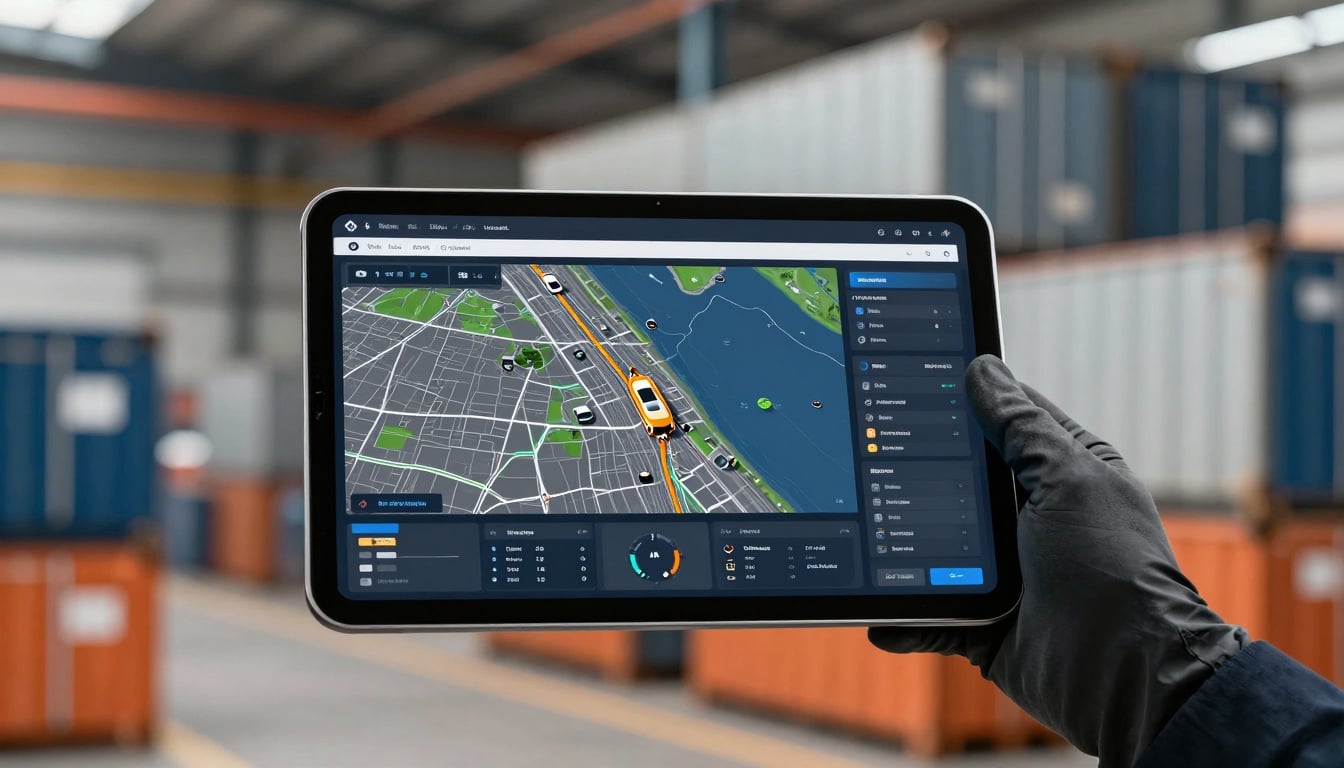
Managing a fleet of vehicles spread across cities and highways can feel like herding cats in a storm. Drivers juggle paperwork, routes shift with traffic, and breakdowns hit at the worst times. That’s where the fleet management tablet steps in as your all-in-one command center. This device ties everything together, from GPS to inspections, and cuts out the chaos of old-school methods. In this guide, we’ll break down what makes a fleet management tablet so vital. You’ll learn its key features, real perks for your operations, and smart ways to bring one into your team. By the end, you’ll see how it boosts efficiency and keeps your business on track.
The Essential Role of Fleet Management Tablets in Operations
A fleet management tablet is a tough, purpose-built device designed for drivers and managers in the field. It goes beyond a regular iPad or Android slab by handling rough roads and constant use. These tablets run custom apps that link your vehicles, drivers, and back-office systems into one smooth flow.
Think of it as the brain of your mobile workforce. Unlike consumer gadgets, a true fleet management tablet withstands drops, dust, and spills. It connects to vehicle data in real time, so you avoid guesswork. Fleet managers rely on this tool to monitor everything from fuel use to delivery status without missing a beat.
Hardware Requirements for the Demanding Mobile Environment
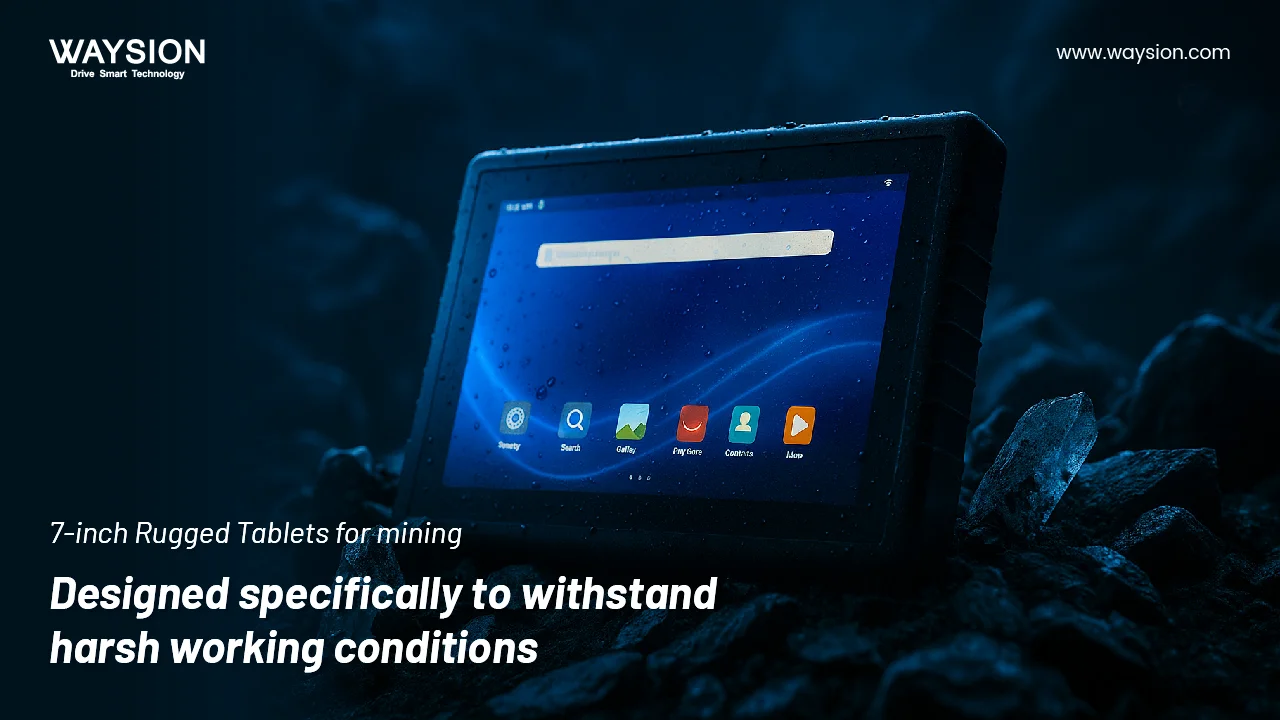
Fleet tablets need to take a beating. Look for MIL-STD-810 ratings that promise protection against shocks and vibrations from bumpy rides. These standards mean the device holds up during long hauls or sudden stops.
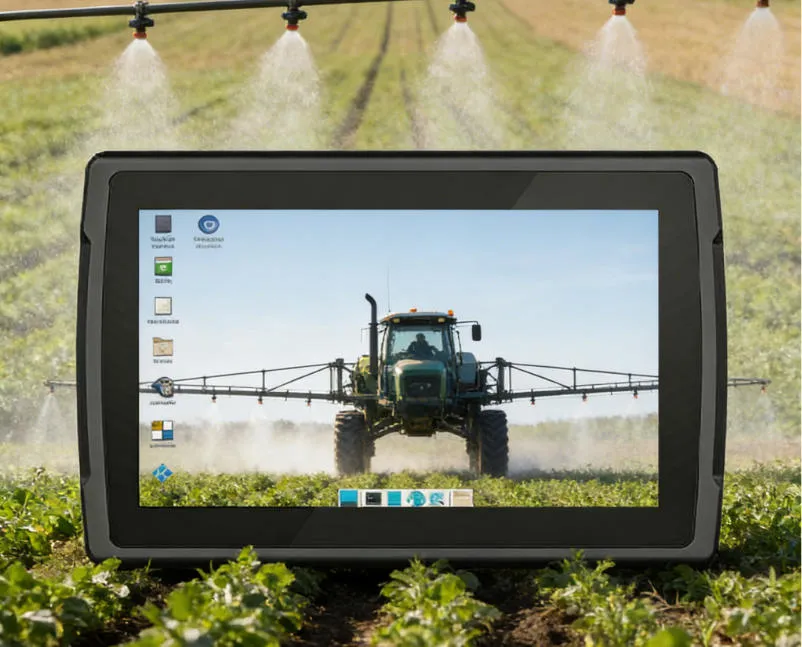
Water and dust resistance is key too. An IP67 rating keeps rain and dirt out, so your tablet works in any weather. Screens must shine bright in sunlight—aim for at least 1000 nits of brightness to read maps clearly at noon.
Battery life matters for full-day shifts. Choose models with 10+ hours of runtime, plus quick-charge options. Some even swap hot while in use, so drivers never go dark. These features ensure your fleet management tablet stays reliable mile after mile.
Software Ecosystem: Beyond Basic GPS Tracking
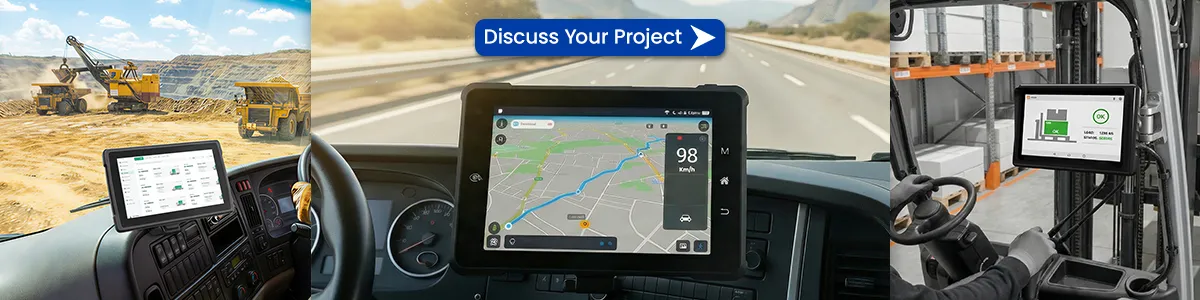
The real power of a fleet management tablet lies in its apps. Start with Electronic Logging Devices, or ELDs, that track driver hours automatically. No more scribbling logs by hand.
Route planning tools optimize paths based on traffic and weather. They save fuel and time—studies show up to 20% less mileage with smart routing. Add electronic Proof of Delivery, or ePOD, for instant signatures and photos from customers.
Telematics apps pull vehicle health data right to the screen. Spot issues like low oil before they strand a truck. This setup turns your tablet into a full operations dashboard, far past simple location pings.
Connectivity Standards: Staying Online Across the Territory
No one wants spotty signals in the middle of nowhere. Top fleet management tablets pack 4G LTE or 5G for strong cellular links. This keeps data flowing even on remote routes.
Wi-Fi shines at the depot or home base. Drivers sync reports fast when they park, avoiding backlogs. Built-in GPS delivers pinpoint accuracy, often within 5 meters, for exact tracking.
Some models add satellite options for dead zones. Reliable connections mean real-time updates on loads, delays, or emergencies. Your fleet stays linked, no matter the terrain.
Core Benefits: Maximizing Efficiency and Compliance
Switching to a fleet management tablet brings hard numbers to your bottom line. Teams report 15-30% gains in on-road time, thanks to fewer stops for paperwork. Error rates drop too, cutting costly mistakes like wrong deliveries.
Safety improves with instant alerts on speeding or fatigue. Fuel savings hit 10% on average, as drivers follow optimized paths. These wins add up, making the investment pay off quick.
Enhancing Driver Productivity Through Centralized Workflow
Tablets wipe out paper stacks that slow everyone down. Drivers tap to get dispatches, log miles, and file reports—all in one spot. This cuts task time by half, letting them focus on the road.
Two-way chat keeps managers and drivers in touch. Send route changes or warnings without calls. Automated alerts flag issues like low fuel before they bite.
Try this: Set up a digital checklist on the tablet for daily starts. It guides pre-trip inspections and logs them automatically. Drivers finish faster and feel more in control.
Achieving and Maintaining Regulatory Compliance
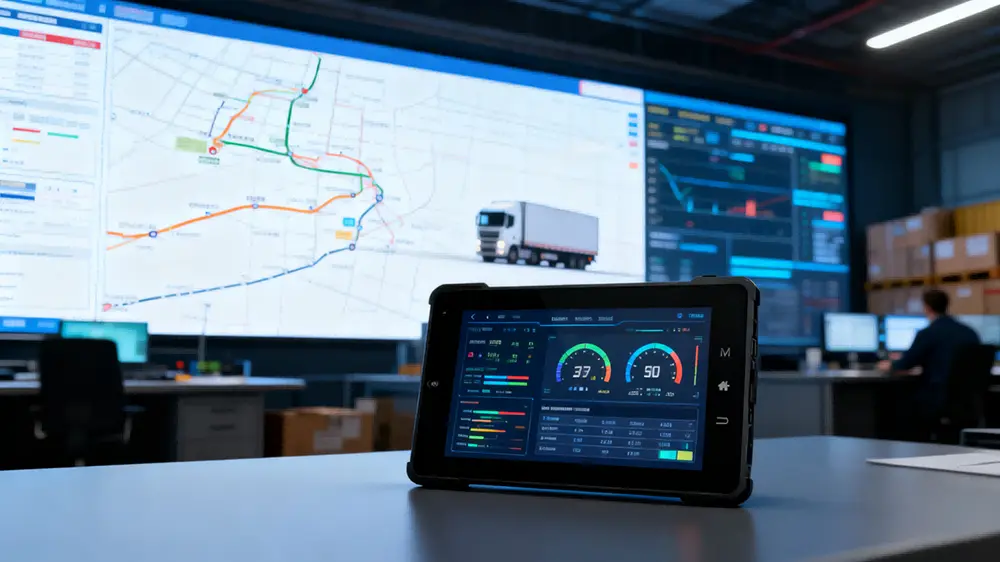
Rules like Hours of Service keep drivers safe and legal. A fleet management tablet‘s ELD tracks duty time with no fudging. It logs breaks and shifts to match DOT standards.
Digital Vehicle Inspection Reports, or DVIRs, make checks simple. Snap photos of tires or lights, and the app flags problems. Audits become a breeze with stored digital trails—no lost papers.
Face inspections from regulators? Pull up records in seconds. Tablets ensure your fleet meets mandates, dodging fines that can run thousands per violation.
Improving Vehicle Diagnostics and Predictive Maintenance
Plug a fleet management tablet into the OBD-II port, and it reads engine codes live. See fault lights, temps, or brake wear without a mechanic. This spots small problems early.
Fuel tracking shows patterns—like inefficient idling. Schedule fixes based on data, not hunches. Predictive tools use mileage logs to warn of part failures weeks ahead.
One fleet cut downtime by 25% with tablet alerts. Mechanics fix issues before roadsides strand trucks. Your vehicles run longer and cheaper.
Implementation Strategy: Selecting the Right Fleet Tablet Solution
Picking a fleet management tablet starts with your needs. Map out daily routes, driver count, and current tech. Test a few models to match your setup.
Don’t chase the cheapest option. Factor in how it fits your workflow long-term. A solid plan rolls out smooth and scales as you grow.
Assessing Total Cost of Ownership (TCO)
Upfront price tags grab eyes, but dig deeper. Add software fees—often $10-20 per vehicle monthly. Data plans for cellular run $5-15 each.
Mounts and chargers add $50-100 per truck. Training might cost $500 for a session. Over three years, TCO reveals the true winner.
Compare vendors for bundles. Some offer all-in deals that slash extras. This view keeps surprises low and value high.
Integration Capabilities with Existing TMS and ERP Systems
Silos kill efficiency. Choose tablets with open APIs for easy links to your Transportation Management System. Data flows from dispatch to delivery without manual entry.
ERP ties handle billing and inventory too. Certified plugs mean no custom coding hassles. Test integrations early to spot gaps.
One tip: List must-have connections before shopping. This avoids pricey rework later. Seamless fits turn your tablet into a team player.
Driver Adoption and Training Protocols
Drivers might push back on new gadgets. Involve them in picks—let them test and vote. Show how it eases their day, like quicker logins.
Hands-on sessions build skills fast. Cover basics in 30 minutes, then practice runs. Pair newbies with pros for peer tips.
Highlight wins: Easier pay proofs or less overtime fights. Track feedback to tweak the rollout. Buy-in grows when they see the ease.
Security and Data Management Considerations
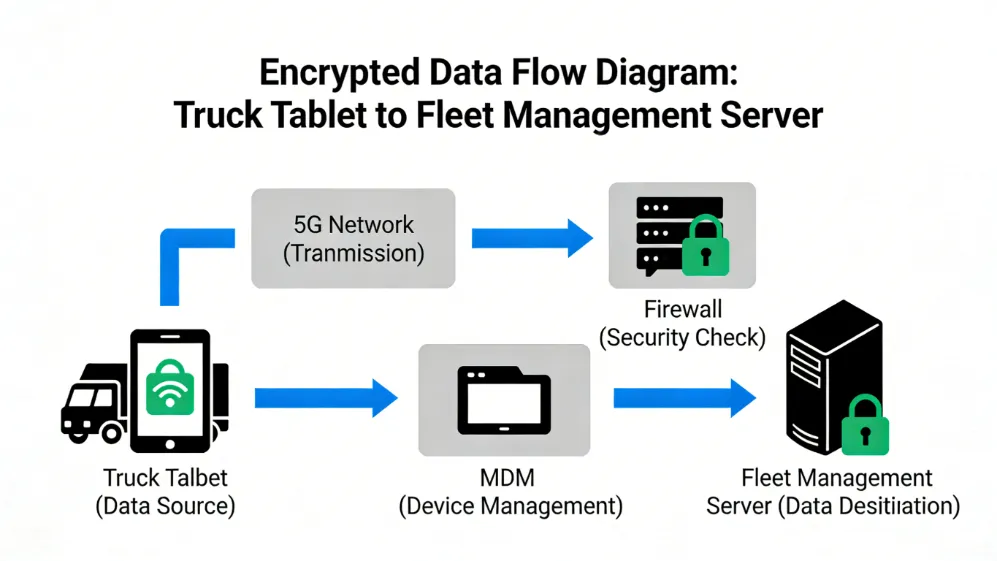
Data on tablets includes routes, driver info, and cargo details. Breaches cost big in fines and trust. Lock it down from day one.
Use built-in biometrics for logins. Encrypt files so lost devices stay safe. Regular updates patch holes before hackers strike.
Device Management and Remote Wipe Capabilities
Mobile Device Management tools watch your fleet tablets. Set policies for apps and access from afar. Track locations if one goes missing.
Remote wipes clear data on thefts. Push updates fleet-wide without truck stops. This keeps control tight and risks low.
Tools like these cut loss costs—recover 80% of stolen units with GPS. Your operations stay secure on the move.
Data Privacy and Driver Consent
Trackers raise eyes. Get clear consent forms upfront. Explain what data you collect and why—like location for safety.
Share policies simple: No secret monitoring. Let drivers review logs monthly. This builds trust and meets laws like GDPR.
Transparent steps avoid lawsuits. Happy drivers stick around longer.
Conclusion: The Future of the Connected Fleet
Fleet management tablets shift your ops from paper piles to digital powerhouses. They link drivers, vehicles, and offices for clear views and quick fixes. You’ll cut costs, boost safety, and meet rules with ease.
Key wins? Higher productivity, smarter maintenance, and solid compliance. ROI hits in months through fuel saves and less downtime. Start small—pilot one truck—then scale.
Ready to connect? Pick a tablet that fits your route. Watch your fleet thrive in this linked world. Your next load awaits.
Latest Content
- How to Choose a Truck Tablet for Fleet Management: 2026 Selection Guide
- 2026 Best Rugged Tablets with GPS for Field Work: Waysion Comprehensive Guide
- How to Optimize Crop Yields with Smart Agriculture
- Why System Integrators Still Choose Proven Hardware Partners in 2026
- How Rugged Tablets Maximize Field Efficiency
Tags: Fleet Management, mobile data terminal, Rugged Android Tablets