What Is an MDM Tablet?
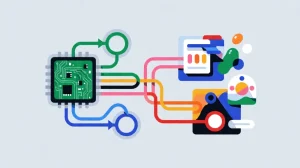
An MDM tablet—or mobile device management tablet—is an Android tablet that has been enrolled into an enterprise management platform. Once enrolled, administrators can apply configuration policies, distribute and update applications, control connectivity, restrict device functions, and remotely lock or wipe a lost unit.
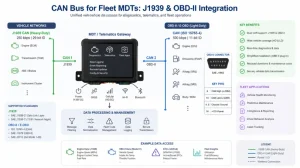
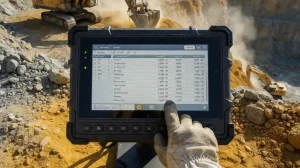
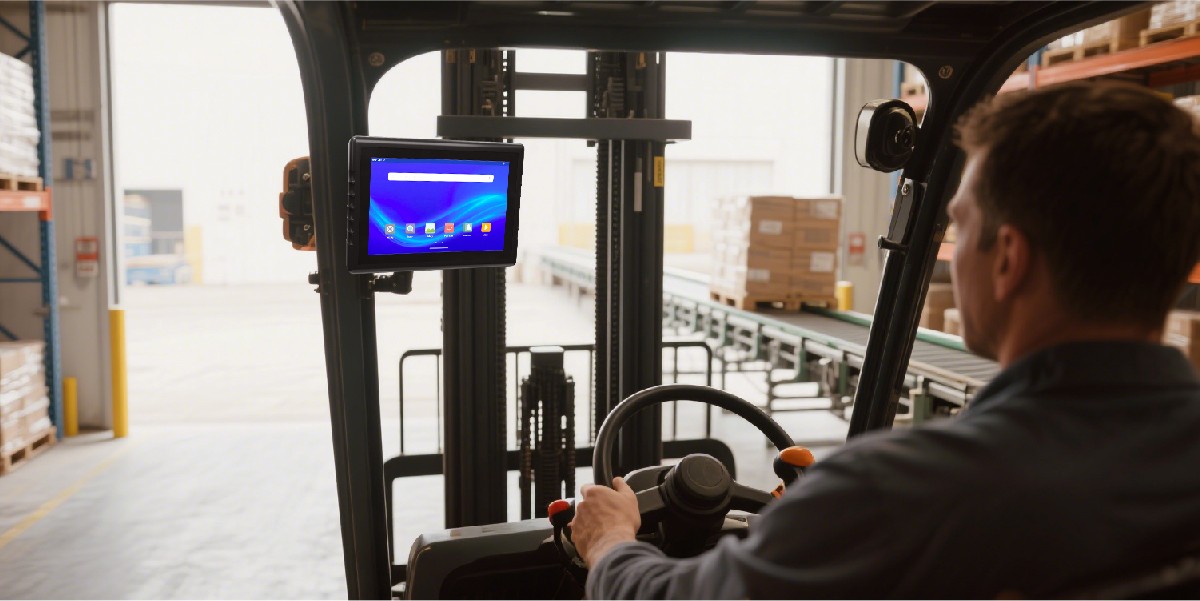
For industrial users, the difference between a consumer tablet and an MDM-ready rugged tablet is operational continuity. A consumer device may work in an office, but a vehicle-mounted or warehouse tablet must survive vibration, dust, wide temperature changes, continuous cellular use, and integration with scanners, cameras, CAN bus systems, and dispatch software.
Android Enterprise supports both fully managed corporate-owned devices and work-profile deployments. In a fully managed model, the organization controls the entire device; in a work-profile model, management is limited to the work container.
MDM Tablet Use Cases
The most valuable deployments combine rugged hardware, reliable connectivity, and centralized administration. These are the practical scenarios where an MDM-managed Android tablet delivers measurable returns.
MDM tablet for fleet management
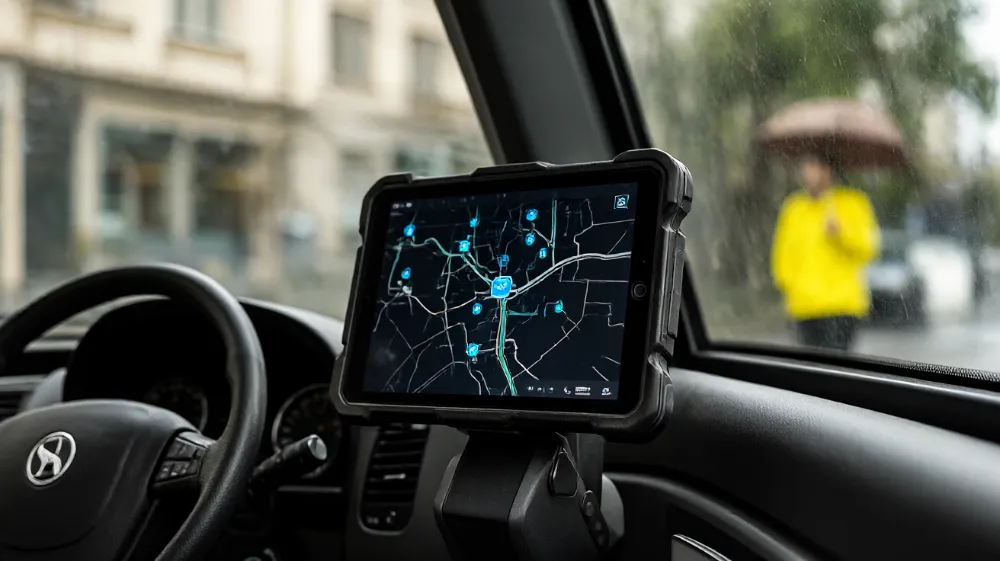
Dispatch, navigation, driver identification, telematics, proof of delivery, and vehicle diagnostics can be deployed and updated from one console.
Rugged MDM tablet for warehouse scanning
Barcode, RFID, inventory, picking, and yard-management apps remain controlled even when devices change hands across shifts.
MDM tablet for field service technicians
Technicians receive the correct work-order app, offline maps, inspection forms, and security configuration without manual setup.
What an MDM Platform Can Control
Bulk deployment, forced installation, version control, and removal of unauthorized software.
Passcode rules, encryption-related controls, VPN and Wi-Fi configuration, and compliance actions.
Lock a driver terminal or inspection tablet to approved applications and prevent casual device use.
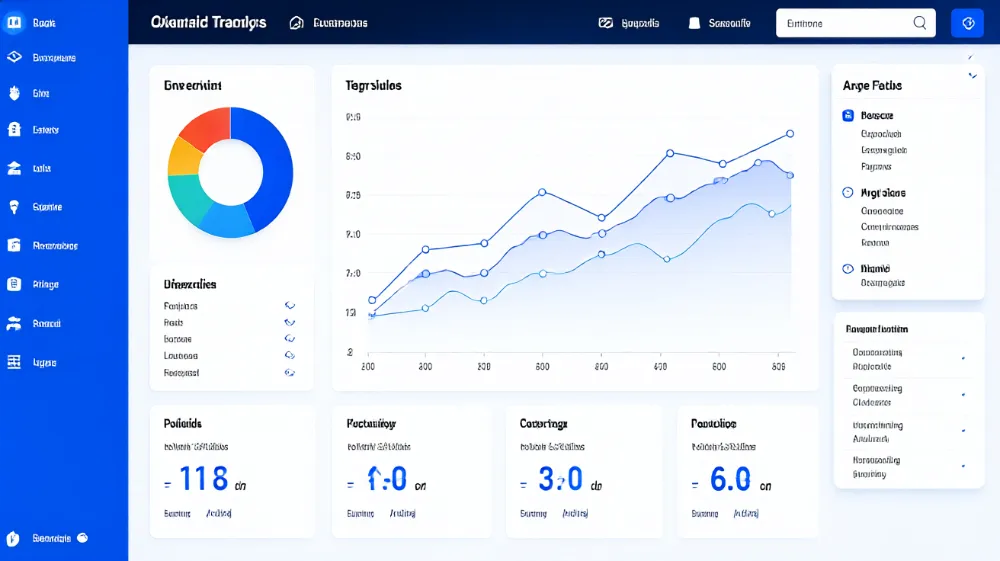
Device inventory, status monitoring, remote configuration, and remote lock or wipe when required.
“The main goal behind using an MDM solution is to ensure that devices are in a more secure state before allowing access to corporate resources.”
— National Cybersecurity Center of Excellence, Mobile Device Security guidance
Choosing an MDM-Ready Rugged Tablet
Hardware alone does not make a tablet enterprise-ready. A credible rugged Android tablet with MDM support should provide a stable Android build, device-owner provisioning capability, OTA update pathways, and compatibility with your chosen EMM or UEM platform.
Before purchasing, validate whether the vendor supplies SDK documentation, security-update commitments, recovery procedures, and integration support for the applications your teams rely on. Waysion states that its devices ship with SDK documentation, API references, sample code for CAN and J1939, and hardware design guides.
For fleets, prioritize a model that supports vehicle power, GNSS, cellular data, CAN bus where required, and a mounting approach compatible with your cab layout.
Waysion MDM-Ready Options
Q777 Rugged Android Tablet
A 7-inch IP65 Android vehicle tablet intended for trucking, ELD workflows, CAN diagnostics, driver safety, and dock-based deployment.
Explore Rugged TabletsMars 876 Rugged Tablet
An 8-inch IP65 Android 15 tablet with RK3576 processing, 6 TOPS edge AI, CAN bus, AHD camera inputs, and 9–36 V vehicle power.
View Mars 876MDM Deployment Timeline
Define the Device Role
Decide whether the tablet is a shared kiosk, a driver terminal, a technician device, or a BYOD work-profile device. This determines the Android Enterprise enrollment model.
Enroll and Assign Policy
Enroll each unit into the management service, then apply policies through a secure channel. Policies may include authentication requirements, application rules, and configuration restrictions.
Deploy Business Apps
Push dispatch, ELD, navigation, scanning, inspection, or custom Android applications. Android Management API supports dedicated-device policies, including kiosk-style app launch behavior.
Monitor, Update, Retire
Track compliance and software versions, deliver updates, support remote troubleshooting, and securely retire devices at end of life. NIST recommends managing security across the full mobile-device life cycle.
MDM Tablet FAQ
Can any Android tablet be managed by MDM?
Not always. Android 5.0 and later support device-management modes, but the available policies depend on the management mode and whether the device can be provisioned as a fully managed corporate-owned device.
What is the difference between MDM and kiosk mode?
MDM is the broader management system. Kiosk mode is a policy outcome that limits a device to designated applications; Android Management API describes a kiosk app as launching full screen at boot and remaining pinned to prevent users from leaving it.
Do rugged tablets need MDM?
For single-unit pilots, manual setup may be enough. For fleets, warehouses, transit authorities, and field-service teams, MDM for rugged tablets reduces manual configuration, improves security consistency, and lowers onsite support effort.
Which Waysion tablets support MDM?
Waysion positions its V7S, Q777, and Mars 876 vehicle tablets as MDM-compatible platforms for remote updates, security policy enforcement, device monitoring, and remote lock or wipe.
Choose an MDM tablet that is rugged enough for the field and manageable enough for enterprise IT.