- Introduction: Why Industrial Tablets Are No Longer Optional
- What Is an Industrial Tablet?
- 7 Must-Have Features in an Industrial Tablet
- Industry Use Cases: Where Industrial Tablets Deliver the Most Value
- Total Cost of Ownership: The Real Math
- How to Choose the Right Industrial Tablet: A 6-Step Checklist
- Deployment Best Practices
- Future Trends in Industrial Tablets (2026 and Beyond)
- Frequently Asked Questions
- Conclusion: Turn Rugged Hardware Into a Competitive Advantage
Introduction: Why Industrial Tablets Are No Longer Optional
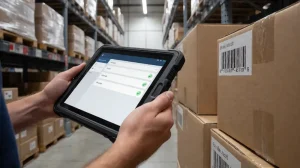
Modern industrial environments run on data. Warehouse floors, factory lines, logistics fleets, and field service teams all depend on real-time information — and clipboards, paper forms, and consumer-grade devices simply can’t keep up.
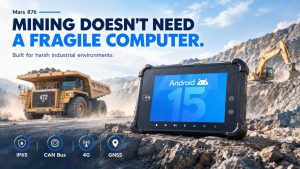
That’s where industrial tablets come in. Unlike consumer tablets, rugged industrial tablets are purpose-built for harsh conditions: drops, dust, moisture, extreme temperatures, vibration, and 24/7 operation. The result? Fewer failures, faster workflows, and measurable ROI.
This guide covers everything decision-makers need to know: what industrial tablets are, key features to evaluate, industry-specific use cases, total cost of ownership, and how to deploy them successfully.
What Is an Industrial Tablet?
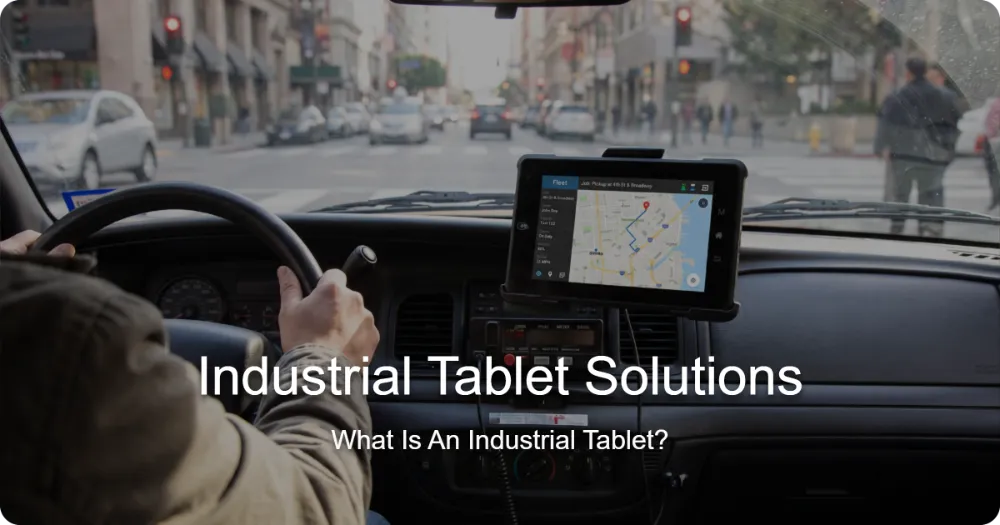
An industrial tablet (also called a rugged tablet) is a mobile computing device engineered to survive environments where consumer devices fail. Key differentiators include:
- Reinforced construction — magnesium alloy frames, rubberized bumpers, Gorilla Glass displays
- Certified durability — MIL-STD-810H drop/vibration ratings, IP65–IP68 ingress protection
- Industrial connectivity — barcode scanners, RFID readers, LTE/5G, Wi-Fi 6, GPS, NFC
- Extended lifecycles — 3–5+ years of parts availability, versus 12–18 months for consumer devices
- Hot-swappable batteries for multi-shift operation
Rugged vs. Semi-Rugged vs. Consumer Tablets
| Feature | Consumer Tablet | Semi-Rugged Tablet | Fully Rugged Tablet |
|---|---|---|---|
| Drop rating | None–1.2 m | 1.2 m | 1.8 m+ |
| IP rating | None | IP54 | IP65–IP68 |
| Operating temp | 0–35°C | -10 to 50°C | -20 to 60°C |
| Expected lifespan | 2–3 years | 3–5 years | 5–8 years |
| 3-year failure rate | ~30–50% | 10–15% | <5% |
Bottom line: Consumer tablets cost less upfront but typically cost more over three years once replacements, downtime, and data loss are factored in.
7 Must-Have Features in an Industrial Tablet
1. IP and MIL-STD Certifications
Look for at least IP65 (dust-tight, water-resistant) and MIL-STD-810H certification for drops, vibration, and thermal shock. Wet environments (food processing, outdoor logistics) should target IP67 or higher.
2. Screen Technology That Works Outdoors
- 1000+ nits brightness for direct sunlight readability
- Glove-touch and wet-touch support — essential for cold storage and rainy fieldwork
- Palm rejection and rain mode for reliable input in any condition
3. Integrated Data Capture
Built-in 1D/2D barcode scanners and RFID eliminate the need for sled accessories, reduce failure points, and speed up scanning by 2–3x compared to camera-based apps.
4. Battery Strategy
- Hot-swappable batteries for continuous multi-shift use
- 8+ hours real-world runtime minimum
- Optional vehicle docks and multi-bay chargers
5. Operating System & Software Ecosystem
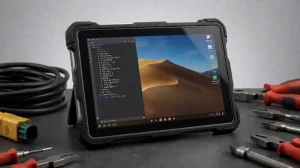
- Windows 11: legacy ERP/WMS compatibility, desktop-class apps
- Android (AOSP/GMS/enterprise): best battery life, intuitive UX, strong MDM support
- HarmonyOS / custom OS: increasingly common in China-based deployments
Choose based on your existing software stack, not the other way around.
6. Connectivity
Wi-Fi 6/6E, Bluetooth 5.2+, 4G/5G WWAN with dual SIM, GPS/GNSS, NFC, and serial/USB/RS-232 for legacy equipment integration.
7. Security & Manageability
TPM 2.0, biometric authentication, MDM (Microsoft Intune, SOTI, Jamf), remote wipe, and geofencing — critical for regulated industries and distributed fleets.
Industry Use Cases: Where Industrial Tablets Deliver the Most Value
Warehousing & Logistics
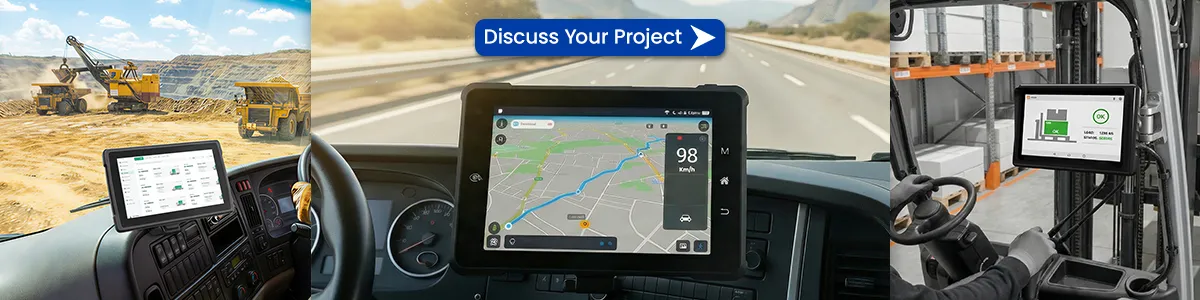
- Real-time inventory updates via WMS integration
- Pick-and-pack accuracy improvements of 25–40% with barcode/RFID scanning
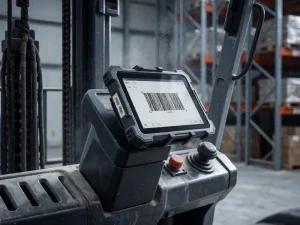
- Forklift-mounted tablets with vehicle docks for put-away and cycle counts
Manufacturing
- Digital work instructions and MES integration at the point of production
- Quality inspection with photo capture and signature workflows
- Paperless shop-floor reporting, cutting documentation time by up to 60%
Field Service & Utilities
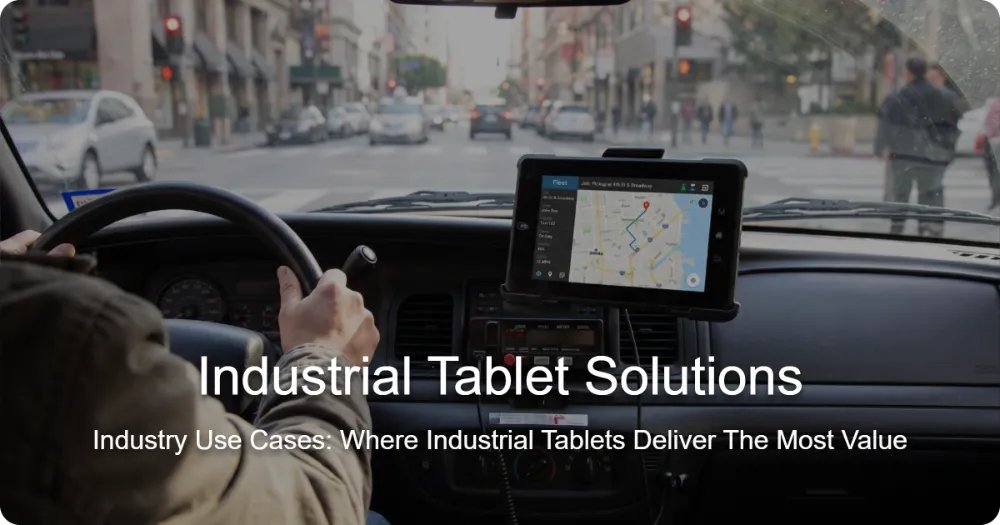
- Job dispatch, route optimization, and offline-capable forms
- On-site diagnostics, asset history, and instant invoicing
- AR-assisted remote expert support on ruggedized screens
Retail, Healthcare & Public Sector
- Mobile POS and inventory in large-format retail
- Bedside charting and medication verification in hospitals
- Inspection and evidence collection for police, fire, and inspection agencies
Cold Chain & Food Processing
- Freezer-rated batteries and glove-touch screens for -30°C environments
- Washdown-rated IP69K housings for hygiene-critical zones
Total Cost of Ownership: The Real Math
A common mistake is comparing purchase prices only. Consider a 50-device deployment over 5 years:
| Cost factor | Consumer tablets | Rugged tablets |
|---|---|---|
| Hardware (50 units) | 15,000 | 45,000 |
| Replacements/failures | 18,000 | 4,500 |
| IT support & downtime | 22,000 | 7,000 |
| Accessory repairs | 8,000 | 2,000 |
| 5-year total | ~63,000 | 58,500 |
Rugged devices typically break even in 18–30 months and deliver lower cost per year of useful life.
Add productivity gains — faster scanning, fewer errors, reduced paperwork — and rugged tablets often pay for themselves in under a year.
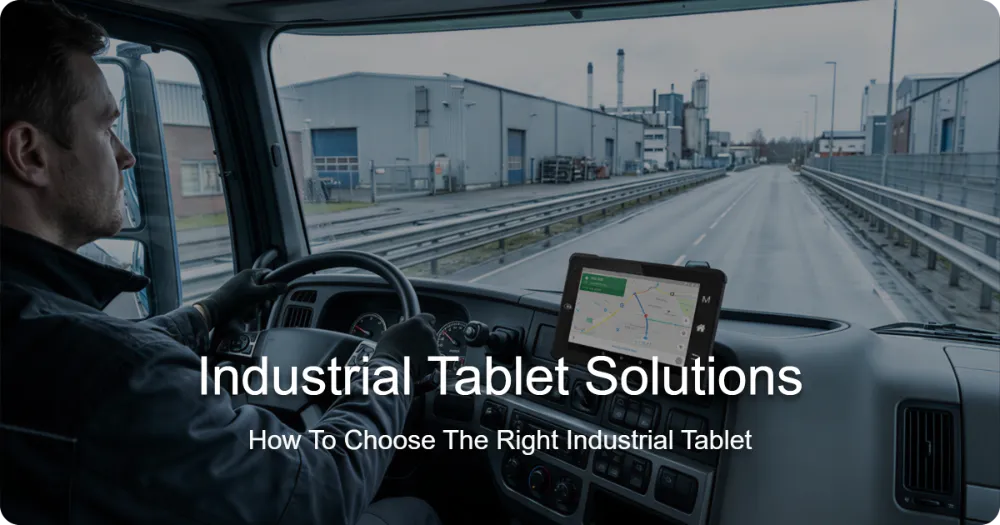
How to Choose the Right Industrial Tablet: A 6-Step Checklist
- Map your environment — temperature, moisture, dust, drop heights, chemical exposure
- List required integrations — WMS, ERP, MES, scanners, printers, legacy ports
- Define user profiles — gloves? one-handed use? vehicle mounting? screen size (8″ vs. 10–13″)?
- Validate certifications — request actual test reports, not just marketing claims
- Plan the accessory ecosystem — docks, holsters, charging carts, spare batteries
- Pilot before rollout — 5–10 units, 30–60 days, measured against KPIs (scan rate, error rate, battery life, user satisfaction)
Deployment Best Practices
- Enroll in MDM from day one — zero-touch provisioning saves days per rollout
- Standardize accessories to reduce spare-part complexity
- Train super-users on each shift to drive adoption
- Negotiate lifecycle support — 5-year parts availability and next-business-day swap programs
- Track KPIs post-deployment — pick rate, error rate, device uptime — to prove ROI to leadership
Future Trends in Industrial Tablets (2026 and Beyond)
- AI at the edge: on-device vision AI for defect detection and asset recognition
- 5G private networks: ultra-low-latency connectivity inside factories
- eSIM fleet management: seamless carrier switching across regions
- Sustainability: modular, repairable designs and battery recycling programs
- AR-ready hardware: depth cameras and LiDAR enabling hands-free guided workflows
Frequently Asked Questions
Q: How long do industrial tablets last?
Fully rugged tablets typically deliver 5–8 years of service with vendor lifecycle support — 2–3x longer than consumer devices.
Q: Can industrial tablets run my existing Windows ERP software?
Yes. Windows-based rugged tablets run full desktop applications, legacy ports and all.
Q: Are rugged tablets worth it for small operations?
If devices face drops, dust, or moisture, yes — the failure rate of consumer tablets in harsh settings makes rugged devices cheaper within 1–2 years.
Q: What size screen is best?
8″ for one-handed/vehicle use; 10–11″ for forms, drawings, and detailed data entry.
Conclusion: Turn Rugged Hardware Into a Competitive Advantage
Industrial tablets are no longer a luxury — they’re the mobile backbone of digital transformation in logistics, manufacturing, field service, and beyond. The right device, deployed with a clear strategy, reduces downtime, eliminates errors, and pays for itself quickly.
Ready to evaluate options? Start with a small pilot, measure hard KPIs, and scale what works.
Tags: enterprise tablets, industrial rugged tablets, Industrial tablets for manufacturing, Rugged Field Tablet for Demanding Industrial Operations