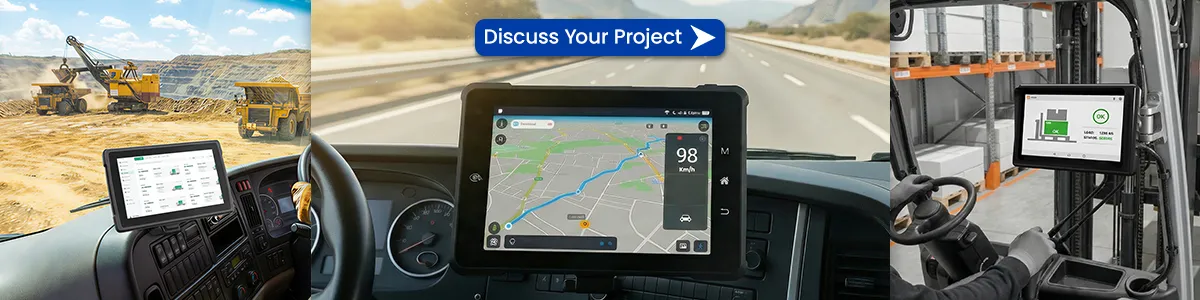
A tablet equipped with an RS232 serial port delivers direct, low‑latency communication that is essential when connecting to legacy machinery, PLCs, or other serial‑based equipment. Unlike wireless solutions, RS232 provides a deterministic connection that is immune to interference, signal loss, or network congestion. This reliability translates into higher data integrity, simpler troubleshooting, and lower maintenance costs for operators who must interact with older devices in rugged environments.
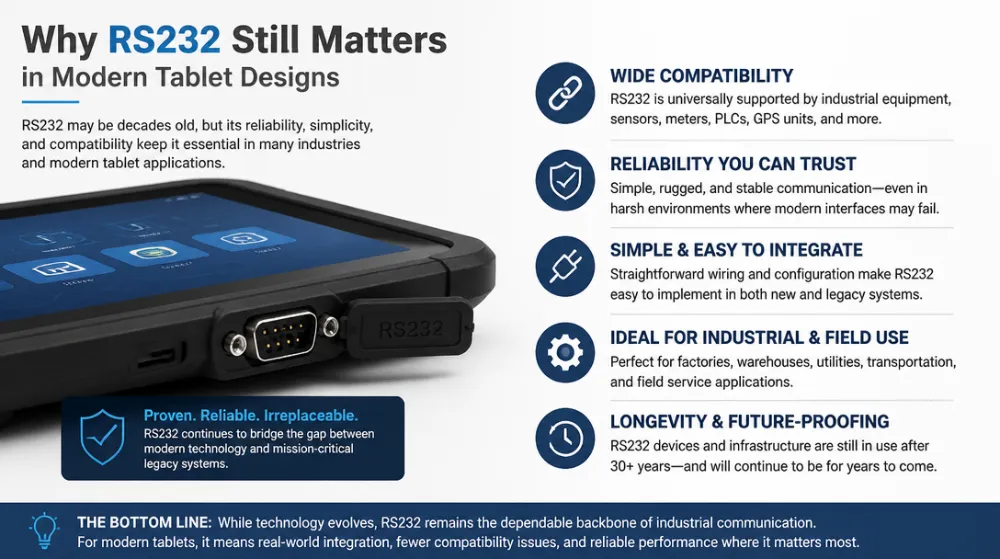
Why RS232 Still Matters in Modern Tablet Designs
Conclusion: RS232 remains a pragmatic bridge between cutting‑edge mobile hardware and the massive installed base of serial‑enabled equipment.
The technology’s simple two‑wire (TX/RX) architecture eliminates the need for complex drivers or extensive configuration, allowing developers to focus on application logic rather than protocol translation. Moreover, RS232 supports longer cable runs (up to 15 m without signal repeaters) and can be powered directly from the tablet’s 5 V supply, reducing the need for additional power adapters.
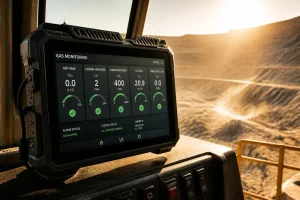
In sectors such as manufacturing, logistics, field service, and energy, the ability to plug a rugged tablet directly into a machine’s serial port accelerates data collection, real‑time monitoring, and remote diagnostics. This seamless integration is a decisive factor when choosing a tablet for industrial IoT deployments, where interoperability with existing hardware is non‑negotiable.
Key Advantages of Tablets with RS232 Ports
- Plug‑and‑Play Compatibility – The standard DB‑9 or micro‑USB RS232 connector works with virtually any legacy device, eliminating the need for proprietary adapters.
- High‑Reliability Data Transfer – Serial connections are less prone to packet loss, making them ideal for real‑time telemetry and critical control signals.
- Low Power Consumption – RS232 draws minimal current, extending battery life on mobile devices used in remote locations.
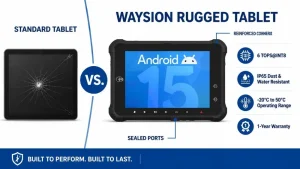
- Robustness in Harsh Environments – When paired with a ruggedized chassis, the serial port can withstand dust, moisture, and temperature extremes, supporting field‑service scenarios.
Comparison of RS232 with Other Connectivity Options
| Interface | Typical Speed (kbps) | Max Distance | Power Use | Typical Use Cases | Pros | Cons |
|---|---|---|---|---|---|---|
| RS232 | 10–115.2 | 15 m (direct) | Low | Legacy PLCs, barcode scanners, medical devices | Simple, low‑latency, noise‑immune | Limited bandwidth, slower than modern standards |
| USB‑C | 480 Mbps (USB 3.1) | 3 m (active) | Moderate | Peripheral hubs, external storage | High speed, reversible | Requires adapters for serial, higher power |
| Bluetooth Low Energy (BLE) | 1–2 Mbps | 10 m (line‑of‑sight) | Very low | Wearables, wireless sensors | Wireless, low energy | Susceptible to interference, higher latency |
| Wi‑Fi | 150 Mbps–1 Gbps | 30‑100 m (indoors) | Moderate‑high | Cloud sync, video streaming | High bandwidth, networked | Dependent on network stability |
The table highlights why a tablet with RS232 port is still the preferred choice for mission‑critical connections where reliability outweighs raw speed.
Technical Specifications and Compatibility Considerations
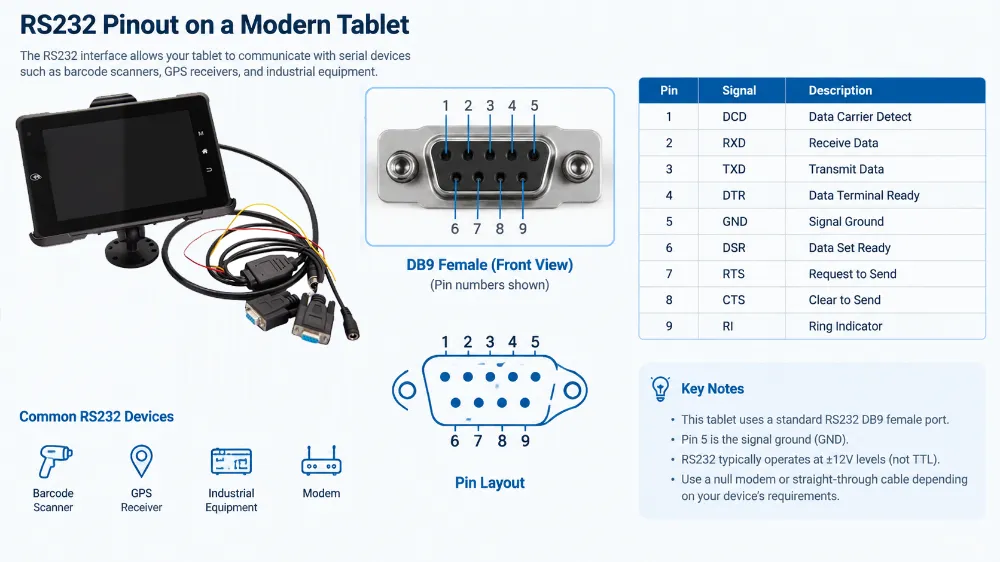
A modern tablet with RS232 typically integrates a dedicated UART controller that supports 16‑bit data frames, hardware flow control (RTS/CTS), and automatic baud‑rate detection. Common specifications include:
- Baud Rates: 1200 bps – 115.2 kbps (configurable)
- Connector Type: Micro‑USB (OTG) or standard DB‑9 (via adapter)
- Operating System Support: Windows 10/11, Android 12+, Linux kernels ≥ 4.14 (with
serialdriver) - Pinout Compatibility: Pin‑compatible with most legacy devices; adapters can map RX/TX and ground lines.
When evaluating a tablet, verify that the UART pins are exposed (often via a hidden micro‑USB pinout) and that the device’s firmware includes a serial console for debugging. Also, check for hardware flow‑control support, as many industrial devices rely on RTS/CTS handshaking to prevent data corruption.
Real‑World Applications and Industry Use Cases
- Factory Automation: Technicians use a rugged tablet with RS232 to send command sequences to programmable logic controllers (PLCs) and receive real‑time process data. The low‑latency link ensures immediate response to equipment alerts.
- Healthcare Monitoring: Portable diagnostic devices (e.g., patient monitors) often employ RS232 for data export. A tablet with a built‑in serial port can capture and transmit streams directly to electronic health record (EHR) systems.
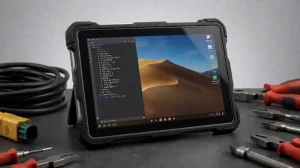
- Field Service & Maintenance: Field engineers connect tablets to legacy testing equipment (e.g., oscilloscopes, multimeters) via RS232, enabling on‑site data logging without additional adapters.
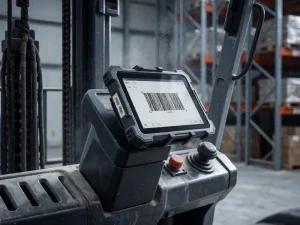
- Transportation & Logistics: RFID readers and barcode scanners that use serial communication can be paired directly with a tablet, streamlining inventory management in warehouses.
These examples demonstrate that a tablet with RS232 port is not merely a niche feature; it is a strategic capability that expands the device’s applicability across sectors that still rely on serial hardware.
Choosing the Right Tablet with RS232 Port
When selecting a tablet, consider the following criteria:
- Ruggedness Rating: Look for MIL‑STD‑810G or IP68 certification to ensure durability in dusty or wet environments.
- Serial Port Implementation: Verify that the RS232 interface is directly accessible (no dongle required) and supports hardware flow control.
- Processor Performance: A modern ARM Cortex‑A or Intel Core CPU provides enough headroom for data‑processing tasks while maintaining battery efficiency.
- OS Compatibility: Ensure the tablet’s OS includes native serial communication libraries (e.g.,
pyserialfor Python,SerialPortfor .NET) to simplify development. - Expandability: Some models allow external serial hubs or multiple RS232 ports, useful for connecting several devices simultaneously.
By aligning these factors with your specific industrial requirements, you can pick a tablet that maximizes productivity while minimizing integration effort.
FAQ
What devices commonly use RS232 ports?
Legacy industrial controllers, medical equipment, barcode scanners, and many point‑of‑sale terminals still use RS232 for reliable data exchange.
Can a tablet with RS232 also connect via Wi‑Fi or Bluetooth?
Yes. Most modern tablets provide multiple connectivity options, allowing you to use RS232 for critical links while leveraging wireless networks for cloud sync or remote access.
Is RS232 faster than USB or Bluetooth?
RS232’s maximum speed (~115 kbps) is far lower than USB (hundreds of Mbps) or Bluetooth (up to 2 Mbps), but its deterministic timing makes it preferable for time‑sensitive, low‑noise communication.
Do I need special drivers to use the RS232 port on a tablet?
Most operating systems include built‑in serial drivers. For Windows, the “Microsoft Serial Mouse” driver suffices; for Android, the UsbSerial library is commonly used.
How can I protect the RS232 connector from wear?
Use a strain‑relief cable, avoid repeated plugging/unplugging, and keep the connector clean. A ruggedized tablet with a sealed port further reduces physical wear.
Tags: best tablet with RS232 for field data collection, how to choose a tablet with RS232, industrial tablet serial port, RS232 vs USB in tablets, rugged tablet with RS232